




The Screen Was Locked. The Code Ran Anyway.
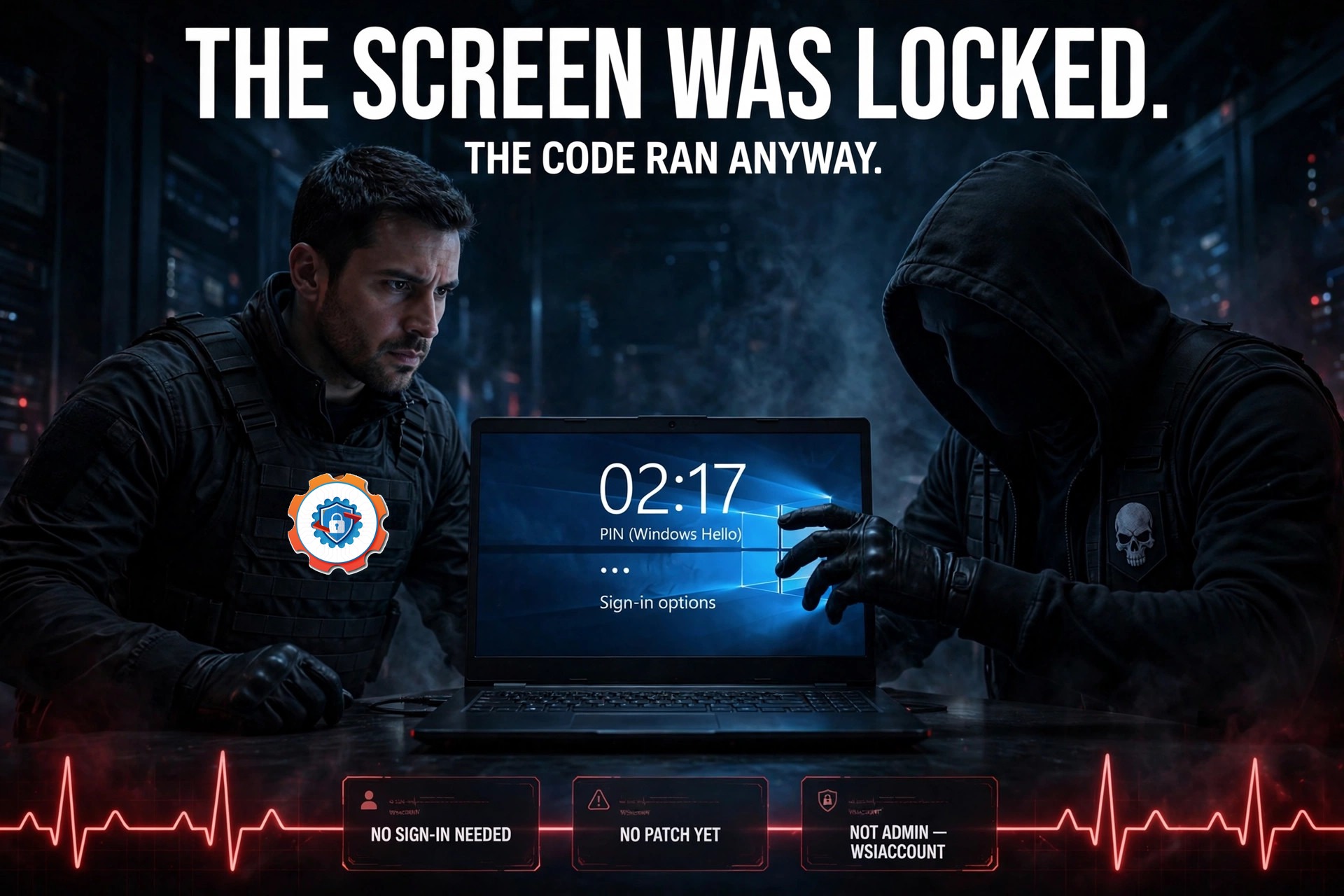
Your Windows PC is locked. The screen shows the time, a wallpaper, and a prompt for a PIN or password. Nothing on that screen is supposed to run a program — and yet, as of this week, someone standing in front of that locked machine can make it run one anyway. The flaw is called FastUnlock, and there is no patch for it yet.
The zero-day was disclosed on November 19 by a researcher who goes by MSNightmare and Nightmare Eclipse — Cybernews names him as Abdelhamid Naceri. The same day, endpoint-security firm ThreatLocker tested the technique and confirmed it works, reaching code execution as an account called WSIAccount and dropping a file from external media. Microsoft has issued no fix, no CVE, and no advisory, and there is no evidence so far that anyone has used FastUnlock in a real attack.
The limits matter as much as the headline. The attacker needs physical access to the machine, and the machine needs a Microsoft account reachable through the lock screen’s recovery options. What they get is a limited account — WSIAccount is explicitly not an administrator account. That is still a long way from nothing: code running on a locked machine you never signed in to is a breach of everything the lock screen is supposed to guarantee.
How it works
The chain starts where a locked-out user would start: the “I forgot my PIN” recovery screen. From there, Win+U opens the accessibility menu, and the attacker turns on Narrator, Windows’ built-in screen reader. Narrator has a hidden background window, navigable by keyboard — Caps Lock plus the arrow keys — all the way into Settings.
Once inside Settings, the path runs through Bluetooth & devices to AutoPlay, where a USB stick opens File Explorer and a binary on the drive runs as WSIAccount. No sign-in, no password, no PIN — just the keyboard, the accessibility tools Windows ships with, and a USB stick.
The researcher says he tested it on Windows 11 26H2 with the November 2026 updates installed, and calls it “extremely consistent” across every Windows machine he tested, according to Cybernews. No official list of affected Windows versions has been published, so any machine that meets the conditions should be treated as possibly affected. He also claims it took him five minutes from finding the flaw to breaching a fully encrypted BitLocker machine — his claim, and the detail that has made this disclosure travel fast.

What it does not do — BitLocker
The BitLocker part of the story needs care, because it is easy to read wrong. FastUnlock does not break BitLocker encryption, and it does not recover the BitLocker key. What happens instead is a matter of timing: in the common setup where BitLocker uses a TPM chip, the drive unlocks automatically at boot. By the time the lock screen appears, the files are already readable. FastUnlock runs after that normal unlock — it never has to defeat the encryption at all.
That is why ThreatLocker’s recommendation is a BitLocker preboot PIN. A startup PIN means the drive stays locked until someone types it, so a machine that is powered off or hibernated cannot be reached this way. That protection only applies to a machine that is off or hibernated — a sleeping or running laptop with the drive already unlocked is still exposed to anyone who can reach it.
The pattern should feel familiar. Windows’ accessibility tools have been a lock-screen weak point before — the old Sticky Keys trick turned a helper meant for people who need it into a back door, and thirty-one years of popups ended with one checkbox for a reason. FastUnlock is a new route to the same lesson: anything the lock screen lets you launch is part of the attack surface, not an exception to it.
What to do now
Until Microsoft ships a fix — the next Patch Tuesday is December 8 — the defense is physical and procedural. Keep machines that can go missing out of the wrong hands. On sensitive laptops, add a BitLocker startup PIN so the drive is not already unlocked when the lock screen appears. And shut down or hibernate a device when it leaves your control; a locked screen on its own is not enough anymore, and it never really was.
There is also a smaller habit worth fixing while you are at it. If you still sign in with a PIN, make sure it is one only you know — your face is still scanning while your PIN is ready — because the recovery options around that PIN are exactly what FastUnlock walks through. A strong PIN does not stop this attack, but a weak one makes everything after it easier.

FastUnlock is not the end of the lock screen, and it is not a reason to panic about a laptop sitting on your own desk. It is a reminder of what the lock screen is: a door, not a wall. It keeps honest people out and slows everyone else down. When the machine itself can walk away — a laptop in a car, a bag on a train, a desk in an empty office — that door needs a second lock behind it. Until Microsoft patches this one, a startup PIN and a powered-off machine are the second lock.
Source: The Hacker News.