
The Charger Knew Your Name. The Hackers Do Now.
The plug went in. The data went out.
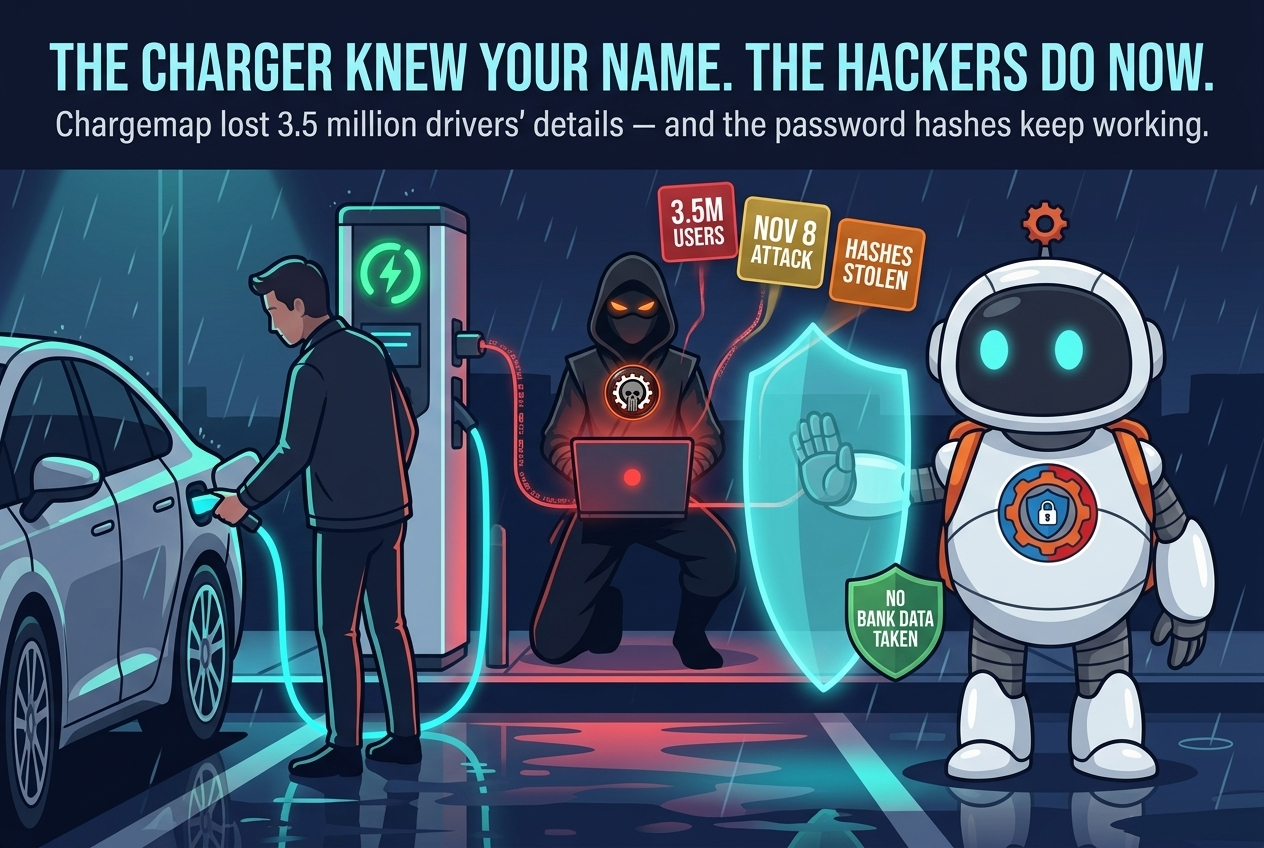
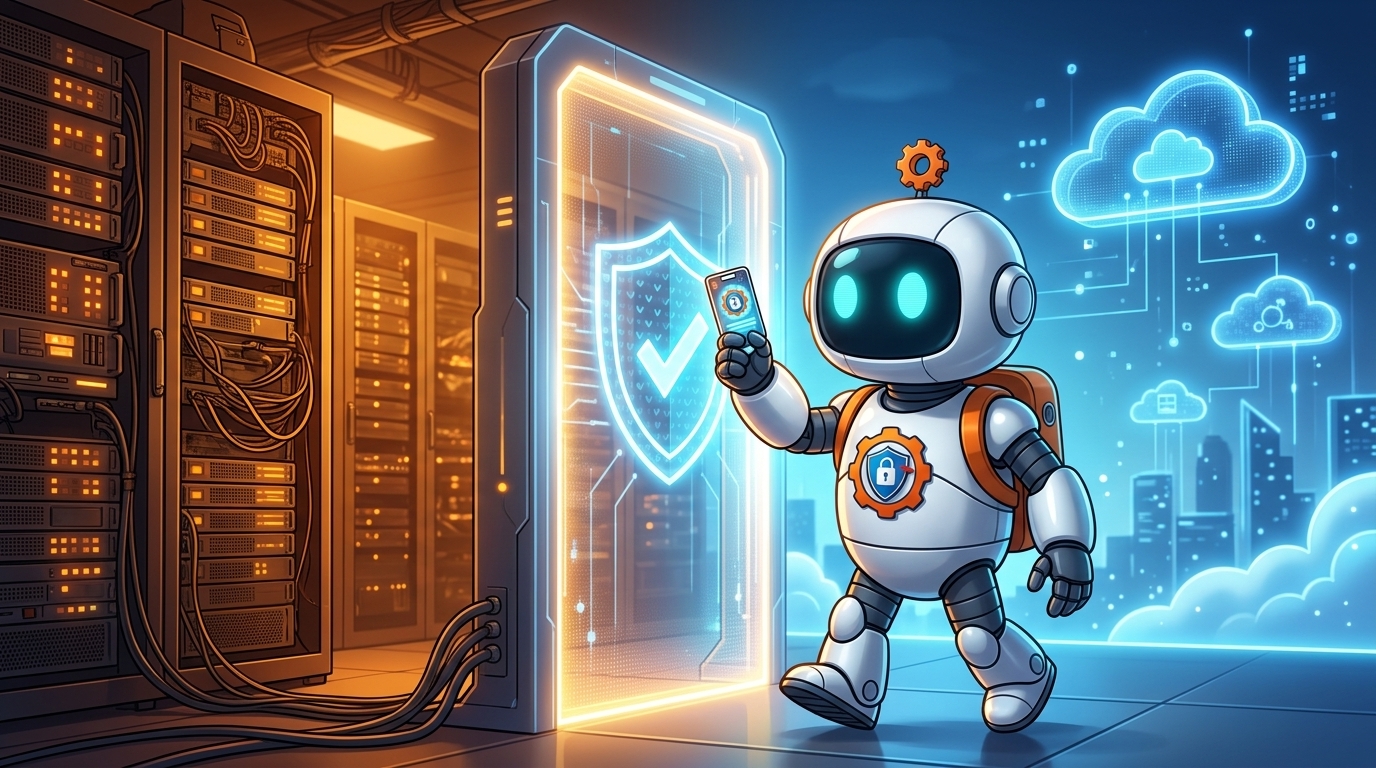
Charging an electric car is supposed to be the boring part of the day. For more than 3.5 million drivers across Europe, the app that handles it is Chargemap — the French service that finds chargers and runs charging sessions. On November 8, 2026, someone broke into it.
Chargemap discovered the attack two days later, on November 10. The flaw the attackers used was patched on November 12. The company reported the breach to France’s data protection authority, the CNIL, and on November 18 — ten days after the attack — it emailed users to tell them what had happened.
What matters now is what was taken, what was not, and what you should do — because the most dangerous item on the list is not the one that sounds the scariest.
What was taken — and what was not
The exposed data may include names, email addresses, phone numbers, dates of birth, and places of residence — but only where users had filled those details in. It may also include profile pictures, introductory texts, dates of last login, and the GPS coordinates of the city where a user registered. Note the limit there: the city, not a precise location and not a home address.
Two other items matter more than they first appear. The first is social-login identification codes — the markers tying an account to Google, Facebook, or Apple sign-in. Those codes alone cannot open an account. The second is password hashes. Those are not your passwords. A hash is a scrambled, one-way fingerprint of a password — but it is a fingerprint that can be attacked, and that is where this breach gets serious.
What was not affected is equally important: banking and financial data, charging sessions, and invoices were untouched. Nobody’s card details came out of this one. But personal details are the raw material of the next scam — a suspicious file exposed 7.7 million shoppers in the Iris Ohyama breach, and the damage there came not from payment data but from the details that make a fake message believable.

Why the password hashes matter most
A password hash is not a password, and that distinction is real — but it is not a reason to relax. A hash can be cracked with dictionary and brute-force attacks, software trying common passwords and likely combinations until one matches. Weak passwords fall fast. Once a password is recovered, it can be tried everywhere else you used it. That technique, credential stuffing, is automated, cheap, and brutally effective against anyone who reuses a password.
That is why researchers warn the hashes heighten the risk of account takeover and targeted social engineering. The stolen details fit together: a name, a phone number, a date of birth, and a city are exactly the pieces a scammer needs to write a message that sounds like it comes from someone who knows you. Chargemap’s own warning puts it bluntly: “Someone could use this data to send you fraudulent messages that look credible.” Stolen credentials are a currency, not a trophy — attackers crack the easy ones and spend them wherever they work, the same logic that saw stolen AI keys cost their owners a million.
What to do now: four checks for Chargemap users
1. Change your Chargemap password — today. Pick a long, unique password you have never used anywhere else, and let a password manager generate and store it if you have one. This is the single most effective step, and it costs you two minutes.
2. Change the same password everywhere else you used it. This is the step most people skip, and it is the one the attackers are counting on. If your Chargemap password was also your email or banking password, those accounts are now at risk too. Experts urge exactly this: change the Chargemap password and any identical or reused passwords elsewhere.
3. Treat every Chargemap message with suspicion. Expect emails and texts that look like they come from Chargemap or a support team — possibly using your real name, your city, or details from your profile. Do not click links in messages you did not ask for. If a message claims there is a problem with your account, open the app yourself instead of following the link.
4. Turn on every extra sign-in check you can. If Chargemap or any service tied to the same email offers two-factor authentication, enable it now. A second factor — a code from an authenticator app or a prompt on your phone — stops a stolen password from being enough on its own. Protect your email the same way, because your inbox is the recovery point for almost everything else.

The bottom line
Chargemap did the things a breached company is supposed to do: it found the attack, patched the flaw, told the regulator, and emailed its users. But the timeline still leaves a ten-day gap between the attack and the warning. No bank details were taken, and no home addresses were exposed — but names, contact details, and password hashes are more than enough to build a convincing scam.
The fix is unglamorous and it works: a new, unique password for Chargemap, the same password changed everywhere else it was reused, and a healthy suspicion of any message that knows a little too much about you.