




Windows Server 2028 Ships Locked Down. The Old Defaults Are Gone.
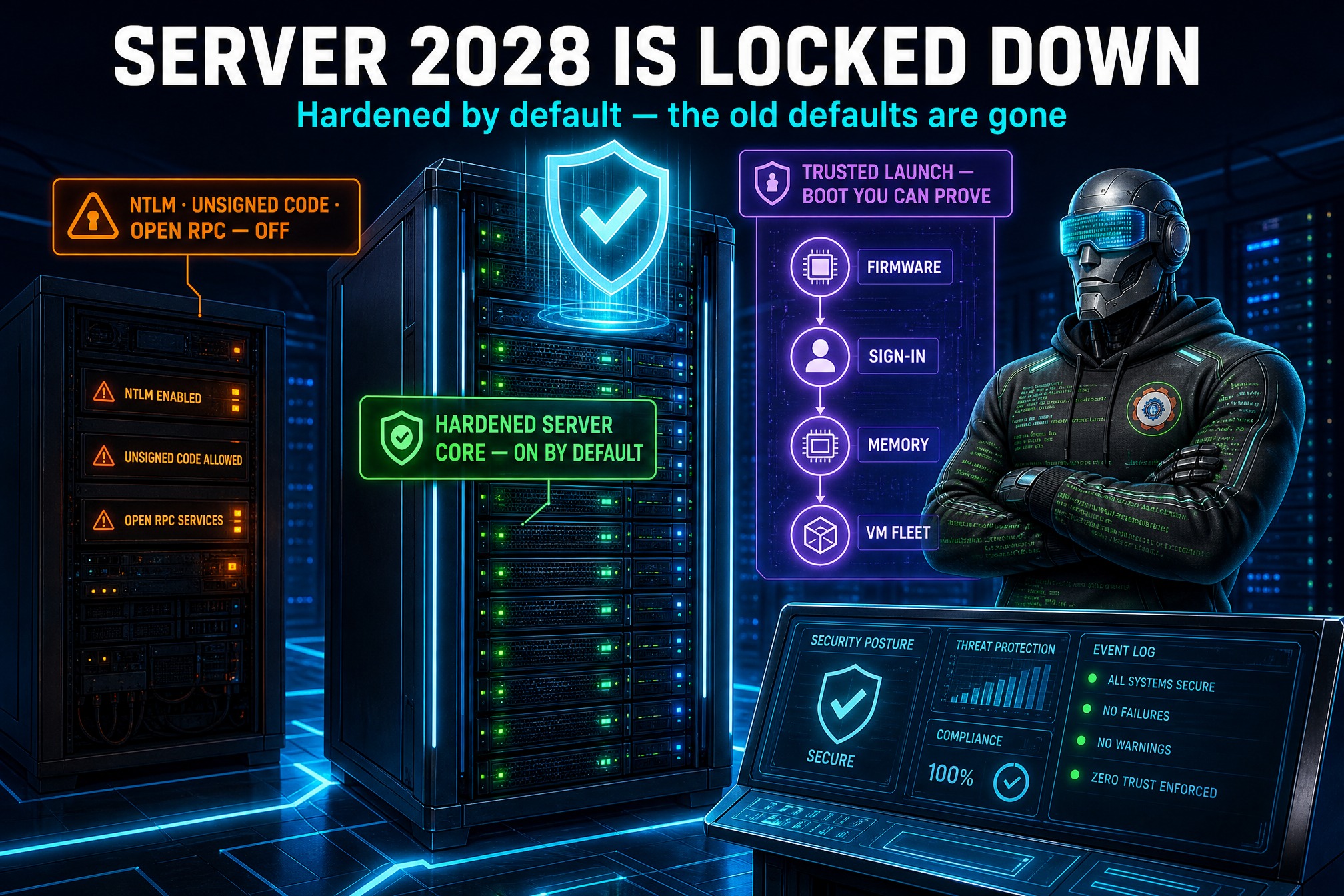
Microsoft has announced Windows Server 2028, and the headline is not a new feature list. It is a new starting point: the next major release of the server operating system ships hardened by default. The announcement came at the Ignite 2026 conference on Tuesday, November 18, and it flips a job every Windows admin knows well: building a secure baseline after install is now something the operating system does first.
Out of the box, Windows Server 2028 runs a hardened Server Core configuration, paired with a new security baseline. Instead of shipping a permissive server plus a hardening guide, Microsoft ships the hardened configuration and lets admins relax the settings their workloads need. “A hardened Server Core configuration by default and a new security baseline help reduce the work of establishing a secure baseline from day 1,” said Neil Hinnant, Director of Windows Server & I/O Fabrics PM.
What “hardened by default” actually covers
Hundreds of settings are enabled from first boot, in six groups.
Identity and authentication. Credentials are hard to steal and hard to reuse: Kerberos is preferred over NTLM, LSASS is protected, strong passwords and account lockout are enforced, and there are no consumer accounts. The same direction as the identity hardening in Part 5 of the Desktop Engineer series — identity is the control plane now.
Network exposure. The server talks only over signed, encrypted, authenticated channels. SMB signing and encryption are on, the firewall is on in every profile, and legacy name resolution and unauthenticated RPC are off — two old staples of lateral movement, gone by default.
Cryptography. TLS is limited to modern cipher suites, stored keys are strongly protected, and key exchange is hybrid post-quantum using ML-KEM. Traffic harvested today could be decrypted later — move key exchange forward before quantum computers arrive.
Privilege and admin access. Admins approve elevation, powerful rights stay with the Administrators group, guests cannot sign in, and installers cannot elevate on their own.
Platform and code integrity. The sign-in process runs only Microsoft-signed code, signature validation is stricter, and the paging file is encrypted. An attacker who lands on the box finds fewer unsigned places to hide.
Remote access and observability. RDP requires NLA and TLS, WinRM drops Basic, Digest, and unencrypted traffic, and auditing gets sharper — advanced audit with command lines, PowerShell script block logging, and larger event logs.

Trust for the whole VM fleet
Beyond the baseline, Server 2028 extends Trusted Launch protection to virtual machines, guaranteeing boot integrity across the VM fleet, and adds Confidential VM support as the start of a journey toward integrity-protected runtimes on supported CVM hardware. In plain terms: the server verifies the machine booted the software it was supposed to, from the firmware up. Microsoft is candid that the work is not finished — NTLM blocking, hardware-backed platform protection, and print and RPC hardening are still being added — so treat your own baseline documentation as a living file, not a one-time project.

Why this matters now
The default has flipped: secure is no longer something you add, but something you deliberately relax, setting by setting. The identity changes attack the credential-theft playbook directly — Kerberos over NTLM, protected LSASS, no guest sign-in — which is where most real breaches still begin. And the post-quantum key exchange and Trusted Launch work show Microsoft designing for threats that have not fully arrived yet — the cheapest window to build defenses.
There is also a management story in the announcement. Windows Server 2028 brings Intune management to eligible, persistent servers, carrying endpoint-management workflows for configuration, compliance, applications, and updates into the server room — one console, one policy language, one compliance view. Performance gets its share too: native NVMe by default, NVMe over TCP and RDMA, boot from ReFS, and new AI accelerators for local inference.
Four checks for admins before you touch it
1. Get a lab box on the Insider build. Admins who want to test can register for the Windows Insider Program for Windows Server or apply to the Windows Server Technology Adoption Program (TAP) for earlier access. No general availability date was given in the announcement, so the lab is the only honest way to learn what the new baseline does to your workloads.
2. Inventory your NTLM usage today. The new defaults prefer Kerberos and Microsoft is still building toward NTLM blocking. Find out now which legacy apps and devices still authenticate with NTLM — every one of them is a future migration ticket. The sign-in hardening here follows the same logic as the Windows Hello PIN changes: strong, phishing-resistant sign-in, everywhere, by default.
3. Test the baseline, then document every relaxation. You will need to relax some settings — workloads will break on the hardened defaults. Write down each relaxation, why it exists, and when it expires. A relaxed setting with a reason is a decision; one without is drift.
4. Check your hardware for Trusted Launch and Confidential VM. The VM integrity features need supported CVM hardware. Audit your hosts now, before the upgrade conversation starts.
Windows Server 2028 does not ask admins to care more about security. It asks them to do less repetitive hardening work and spend that time on decisions only a human can make: which settings to relax, which legacy dependencies to retire, and which workloads are ready for a server that starts locked down.