

The Email Came From TfL. The Breach Did Too.
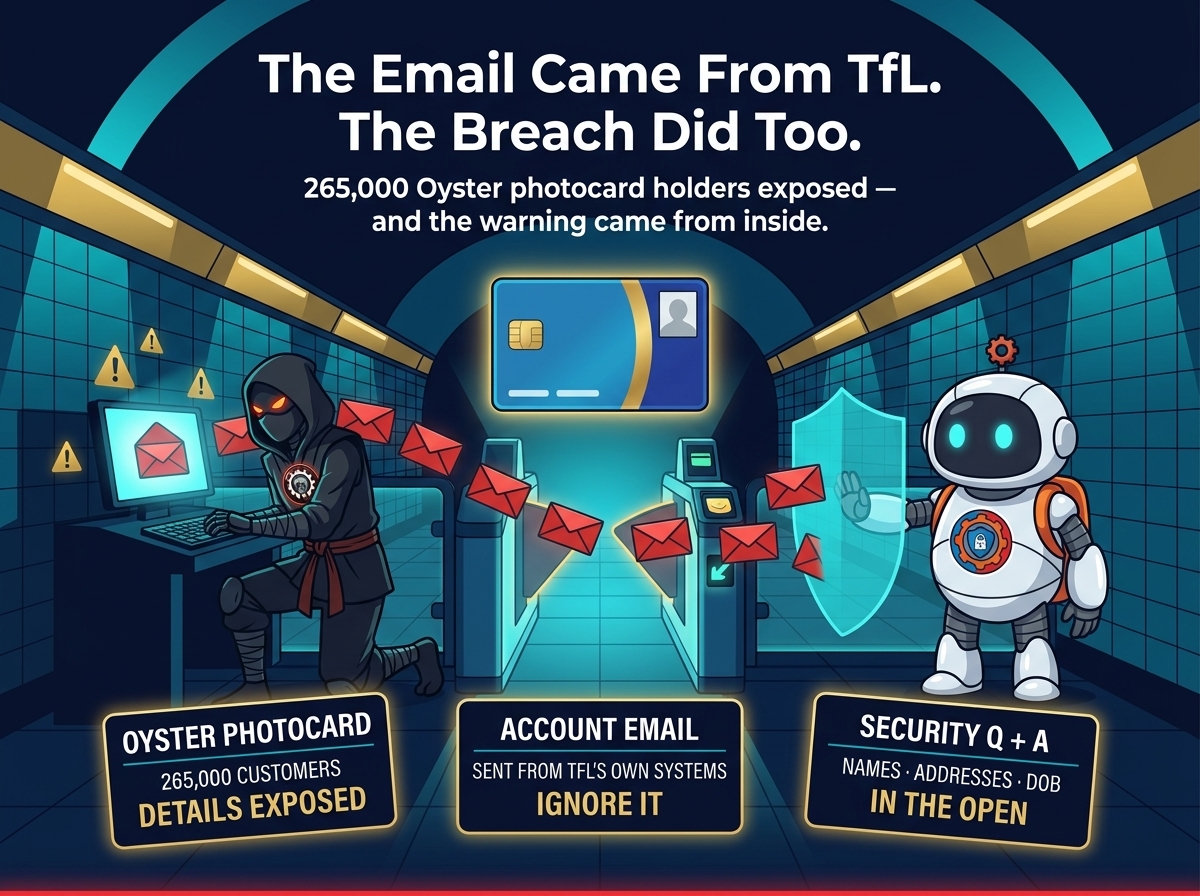
Londoners who hold an Oyster photocard got an email this week that looked official — because it was. Transport for London says attackers compromised its systems and sent account-creation emails directly from TfL’s own mail servers. The same compromise exposed the personal details of around 265,000 photocard customers, and the number is still climbing.
That detail — the email came from inside TfL’s own systems — is what makes this breach different from the usual phishing wave. It was not a lookalike domain or a spoofed sender. It arrived through the real thing — which is exactly why so many people trusted it.
The email that gave it away
TfL discovered the breach on November 16, 2026, after customers started reporting emails urging them to create an account. The messages were sent from TfL’s own mail systems as a result of the compromise, turning the transport authority’s trusted channel into the attackers’ delivery mechanism.
TfL has taken the Oyster photocard website offline and is sending breach notifications to the people affected. Its current estimate is that around 265,000 photocard customers may have had account details exposed — up from an earlier figure of 250,000 — and the investigation is still running, so the number may rise further.
An Oyster photocard is a travel smartcard carrying the holder’s photo, giving free or discounted travel across London. The cards themselves remain valid for travel. Renewals and journey history are being handled through TfL Customer Services while the portal is down.
What was exposed — and what was not
The exposed data is a full identity kit: full names, phone numbers, email addresses, home addresses, dates of birth, and security questions and answers. That last item is the one to worry about most — security questions are the keys to account recovery, and unlike a password, you cannot simply reset your date of birth or your home address.
What was not compromised, according to TfL: passwords, bank and payment card details, journey information, and the names and dates of birth of children holding Zip Oyster cards. There is no evidence so far that the exposed data has been misused, the incident is contained, and the UK Information Commissioner’s Office has been notified.

Why a photocard breach hits harder than it sounds
A transport smartcard does not sound like a high-value target. But the data behind it is exactly what an attacker needs to impersonate you convincingly: your real name, your real address, your real date of birth, and — worst of all — the answers to the security questions that other services use to verify who you are. The next phishing email aimed at a photocard holder will quote details only TfL should know.
Then there is the scale. TfL carried 3.53 billion passenger journeys in 2025/26 — 1.78 billion by bus and 1.20 billion on the Tube — so even a small slice of its customer base is a very large number of people. And this is the second time in two years: in 2024, members of the Scattered Spider group breached TfL’s network, stole customer data and disrupted online services including Oyster refunds, at a cost of £29 million in losses and recovery. Two of the hackers pleaded guilty in June 2026 and were sentenced to five years and six months.
The pattern is not unique to London. The same week, forty Irish credit unions had member records exposed through a supplier’s authorization flaw, and earlier this year a suspicious file exposed 7.7 million shoppers’ details at Iris Ohyama. Personal records keep leaking from the organizations that hold them — and every leak makes the next phishing attempt a little more convincing.

What to do now
1. Ignore the account-creation email. If you received an email urging you to create an Oyster photocard account, do not click it and do not create an account from it. TfL says to ignore it outright.
2. Expect phishing that uses your real details. The exposed data lets attackers write messages that look personal and legitimate. Treat any unexpected message about your Oyster account — or any account — as suspect, and reach TfL through its official channels rather than through a link in an email.
3. Rotate reused security questions and passwords now. If you use the same security questions — or the same password — on other services, change them. Do not wait for the portal to reopen: the answers are already out there, and they work wherever you reused them.
4. When the portal reopens, reset everything it asks for. Once the photocard website is restored, all photocard customers will be prompted to change their password, security question and answer. Do it the first time you log in, and pick answers you have not used anywhere else.
TfL says there is no evidence yet that the stolen data has been misused, and the incident is contained. That is the good news. The harder truth is that the data itself cannot be taken back. The best response is the unglamorous one: ignore the fake email, rotate anything you reused, and treat every message that knows a little too much about you as guilty until proven innocent.