









Your Screen Lied. The Theft Was Real.
ThreatFabric has uncovered Bazuka, a previously unknown Android malware framework that turns a victim’s screen into a hiding place. It surfaced in late October 2026, during an investigation into an NFC-relay banking Trojan. It is a toolkit, not one app: a dropper, a core, and 23 modules that steal passwords, read texts, intercept one-time codes, and swap wallet addresses as you paste them.
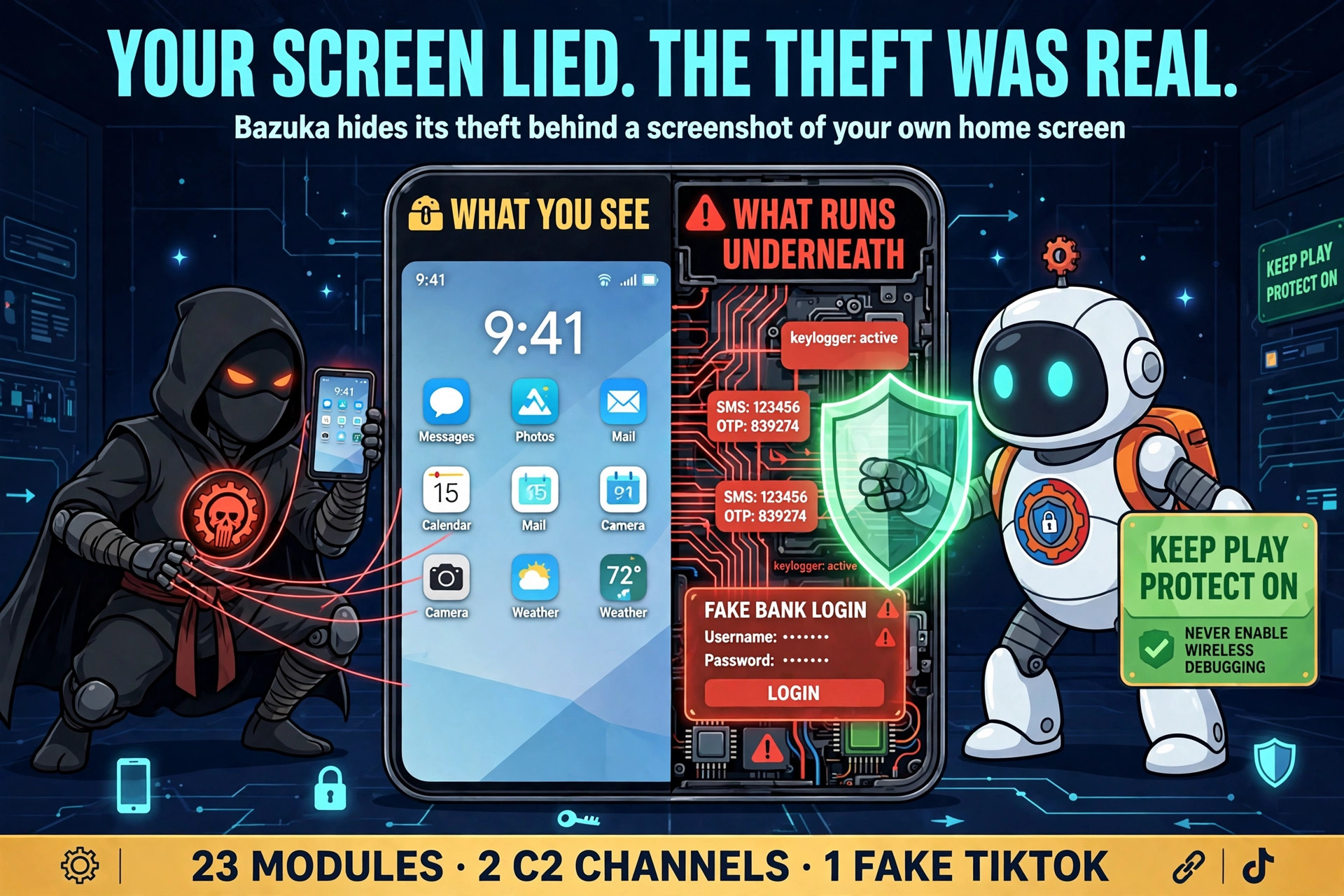
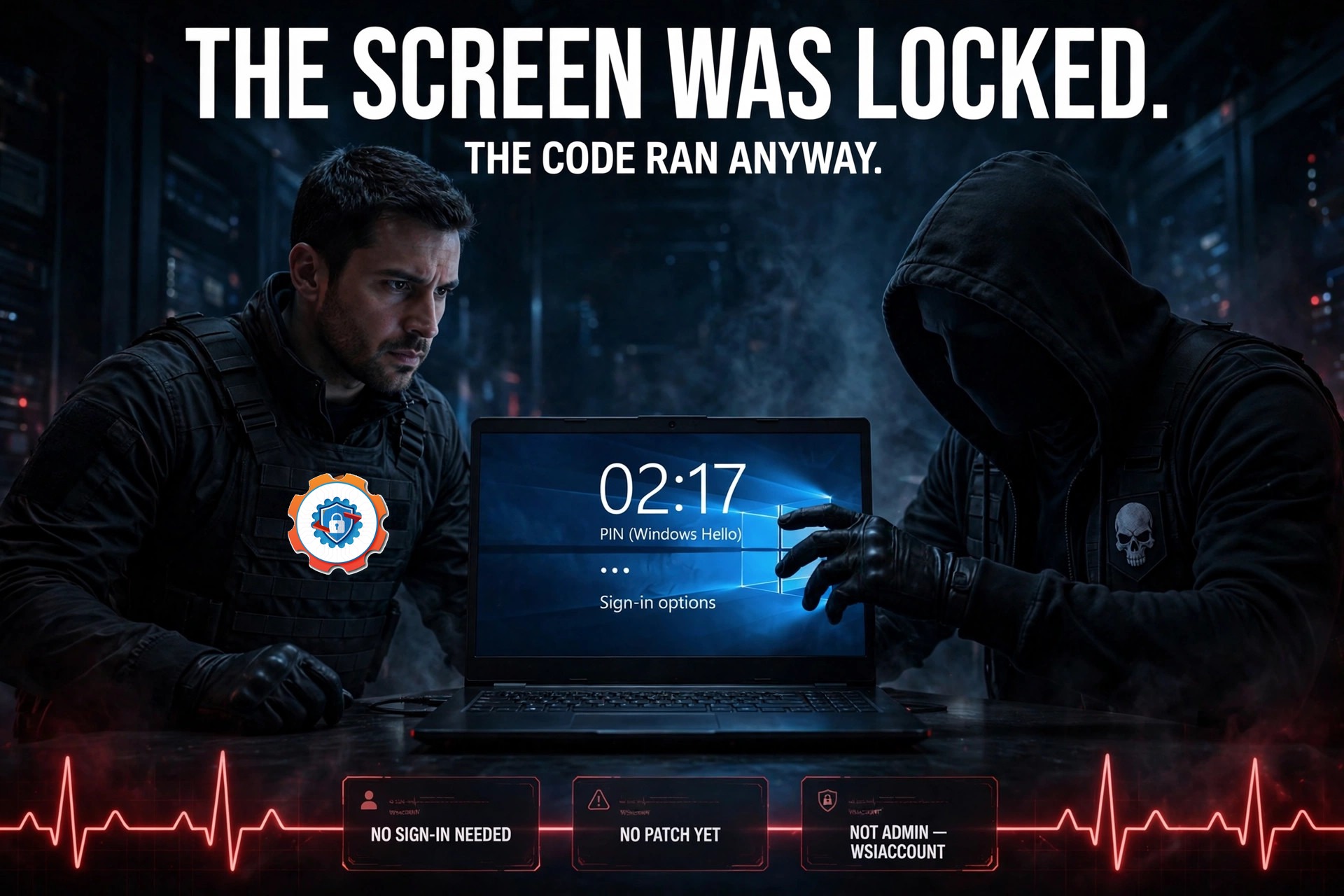
Bazuka’s standout trick is one no one had seen before. When it needs to work unseen, it screenshots your home or lock screen and shows that picture as an overlay. You see your own phone, looking exactly as always, while the theft happens underneath. The screen is frozen, the phone is busy, nothing on the surface gives it away.
How it gets on your phone
Bazuka does not spread on its own. Traffers — criminals who drive victims to the malware through ads and bogus sites — distribute it; it may also be on Play. One dropper poses as premium, adult-friendly TikTok (“com.tiktok.premium”). Two chains were observed: in one, the dropper asks to install apps from third-party sources, then downloads “com.tiktok.premium.pro” as a stager; in the other, a downloader fetches the payload. The stager is suspected to be the same component as the downloader — it retrieves the core and modules, then launches them.
A control panel runs the operation: it creates accounts for the traffers and builds droppers with selectable manifest permissions, most likely to slip past Play review. The panel also uses large language models, local or through an API, to score victims. Criminals are turning AI into a tool for sorting and scaling theft — stolen AI credentials are now resold by the million — and Bazuka uses it to pick victims.

Once inside, it takes the keys to the phone
The core is the orchestrator: it talks to the command-and-control server and dispatches commands. For access, it abuses Android Debug Bridge commands and accessibility services to grant itself permissions. Its boldest move is Wireless Debugging, the developer feature that lets a computer control a phone over Wi-Fi: Bazuka opens system settings itself, switches on Developer options and Wireless Debugging, and intercepts the PIN. A developer tool becomes a back door, opened from the inside. It also disables Google Play Protect, and a self-destruct mechanism can wipe its storage. Commands and stolen data travel over two WebSocket channels.
Twenty-three modules, one for every job
The 23 modules cover everything a banking Trojan could want. A keylogger records what you type and spots bank card numbers, wallet addresses, and passwords. One module reads and deletes texts and codes; another handles one-time codes. A screen module captures your lock-screen PIN; an NFC module reads contactless bank cards; a clipper swaps in the attacker’s wallet address when you paste one. Others forward calls and track location. Keeping it running: one module embeds its own ADB client, one blocks uninstall and force-stop, and the optics module provides remote control and phishing overlays — a fake bank login, shown as you open your real banking app.

Why it matters
Bazuka has not been attributed to any known threat actor, and no victim numbers have been reported. But the technique is spreading. As ThreatFabric put it: “ADB bridging is becoming a standard feature of modern banking trojans” — malware can obtain privileges covertly and deploy modules that survive even the removal of the host app. Delete the fake TikTok, and the modules may keep running. It is the same platform logic Google disrupted weeks ago with the XCPE botnet takedown — a backdoor built into more than a million TV boxes at the factory — except Bazuka needs no factory. One convincing fake app, and the phone does the rest.
The same pattern is showing up elsewhere. Last week, Zimperium’s zLabs detailed ArcticRAT, an AI-powered remote access Trojan with 129 commands and language-model APIs in its exfiltration pipeline, first seen on 11 crypto apps. It spreads through fake Play listings, malvertising, smishing, and forums, abuses accessibility services, and hides behind a “Black Screen” overlay — brightness at zero, so the phone looks locked or off — and it also abuses Wireless Debugging. Two malware families, weeks apart, reaching for the same tools — a playbook.
What to do
1. Do not sideload apps from ads or links. Install only from Google Play. Treat any “premium” version of a free app from an ad or message as a red flag.
2. Guard the two permissions that matter most. Never grant accessibility access, or permission to install from unknown sources, to an app you do not trust.
3. Keep Google Play Protect on. If you find it disabled and you did not disable it, treat that as a warning.
4. Never turn on Developer options or Wireless Debugging because an app asks. No legitimate app needs them — if one asks, delete it.
5. Watch for the quiet signs. Apps you did not install, settings changed on their own, a battery draining faster than usual. Review installed apps and accessibility services; if something does not add up, factory-reset the phone.
The lesson of Bazuka: the phone in your hand can lie to you. Your home screen can be a photograph, your lock screen a picture, and the theft can happen behind both. The defense is refusing the fake app — and the permissions that let one bad download become twenty-three tools.