






The Guest Pushed a File. ScreenConnect Ran It — No Prompt.
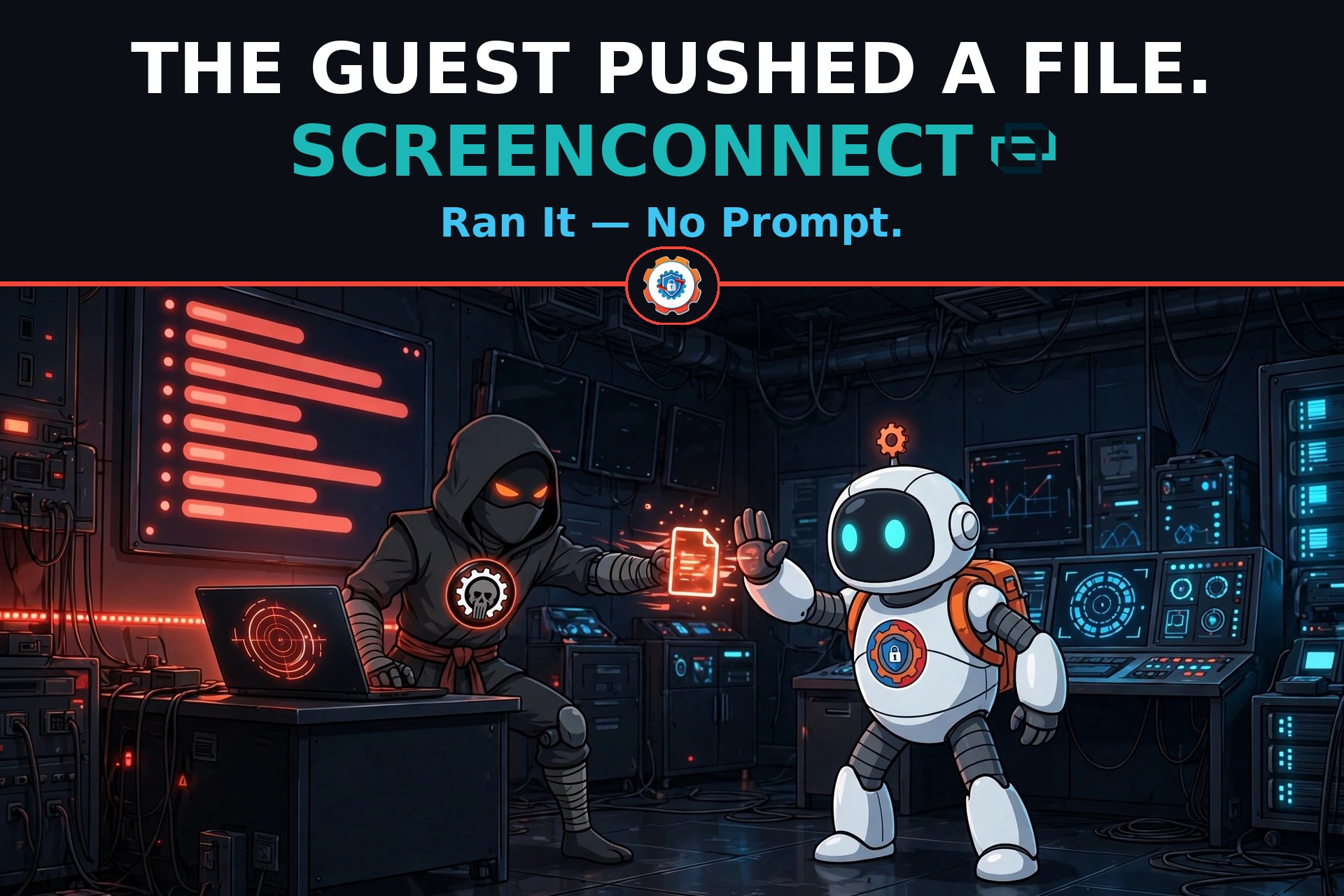
It took nine seconds. That is how long Huntress watched a guest in a ScreenConnect session turn a routine remote-support connection into full control of the technician’s own PC — no password, no prompt, no click from the victim.
The flaw is CVE-2026-84869, rated 9.9 out of 10. It is a critical weakness in the ScreenConnect client: a guest in a session can transfer a file to the technician’s machine and get the technician’s own client to run it. The technician never sees a prompt. They only have to join the session.
Nine seconds, start to finish
On November 12, 2026, Huntress researcher John Hammond watched it happen live on one managed service provider’s technician workstation. A guest pushed a batch file — update_224ac089.bat. The script decoded a Base64 Telegram bot token and chat ID and registered the new infection with the attacker’s bot. Then it downloaded an installer from masterdarky.com, disguised as a Windows update — WindowsUpdate.msi — and used it to start a rogue ScreenConnect client pointed at the attacker’s own relay. Nine seconds from push to persistent remote access.

That was not a one-off. Huntress observed the same activity between October 20 and November 16, spraying servers blindly: at least 688,000 guest “run file” requests for files named update.bat or update_<8 hex>.bat, hitting 42 ScreenConnect servers from 29 IP addresses. The guests kept coming back with blank session names or default-looking Windows hostnames — the kind of thing a real user never has.
The attackers even test their luck first. In one case, a guest machine at 91.224.92.167 pushed a harmless text file, marker.txt, two seconds after a technician joined a session — a canary. If the file lands, the operator knows the exploit works against that target, and only then sends the real payload.
And in October, one attack got personal: the intruder joined as a guest across three real sessions a technician had created, and asked the client to run a file designed to drop Sync.bat into the technician’s Windows Startup folder — persistence that survives a reboot.
A different wave from the one you already read about
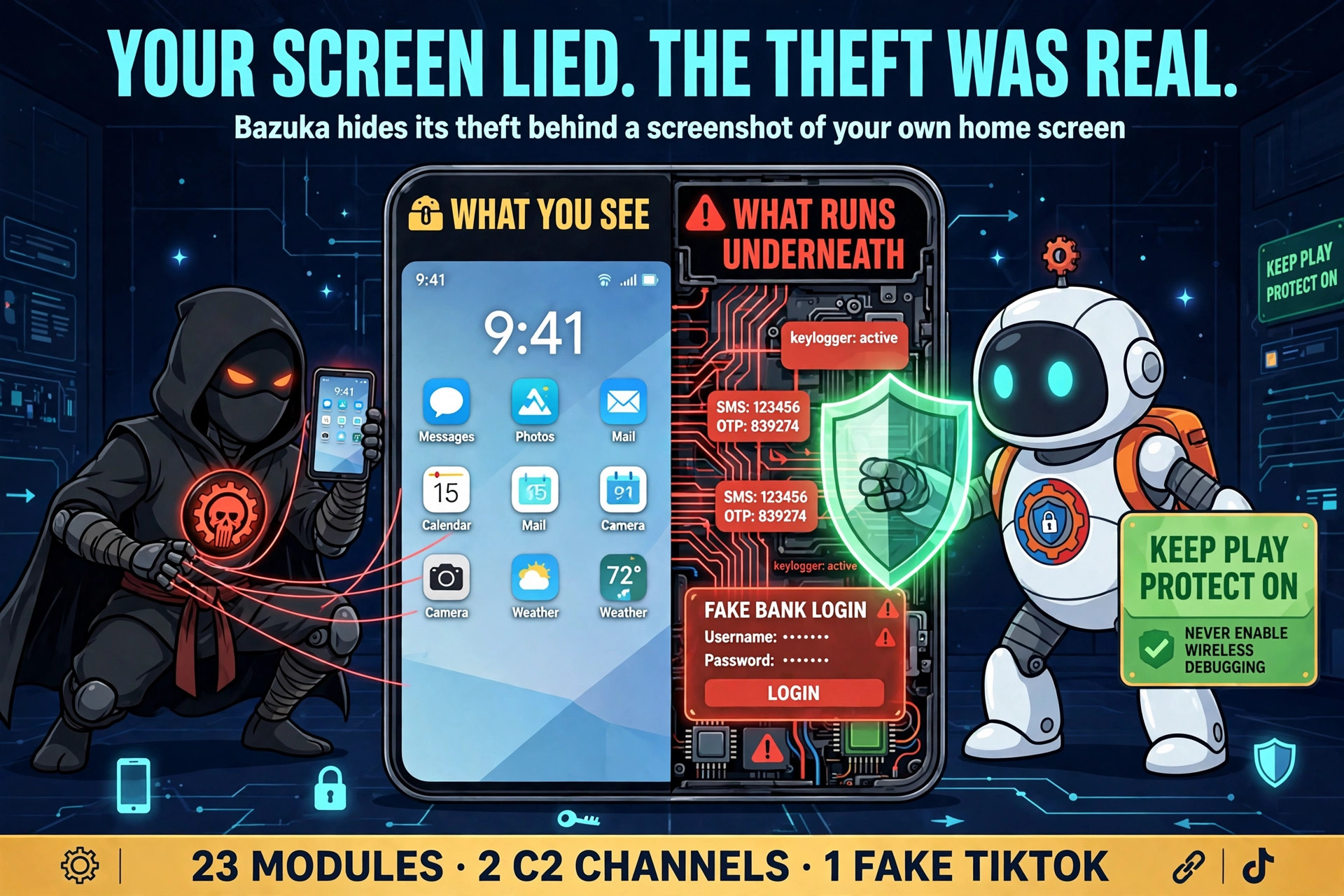
If this sounds familiar, it is not the same attack. Earlier in November, the blog covered the SCKit wave, where intruders got into partner ScreenConnect environments through a blank access key in the RMM+ third-party extension and pushed a worm to endpoints. That campaign exploited the extension, not the product — and the worm’s jump to the technician’s workstation was designed but never observed working. This campaign is the flaw itself, CVE-2026-84869, exploited directly by guests, and it works.
There is also a second, stranger cluster running alongside it. Thousands of unauthorized guest sessions have been appearing on MSP servers from machines with cryptocurrency-exchange-themed names — BITMEX-BOT, KUCOIN-SRV, LAPTOP-BINANCE — apparently to trick technicians into connecting to them. Huntress has seen no file transfers or command execution from those sessions yet. Separately, the researchers found someone registering unauthorized guest computers on MSPs’ servers from a scripted emulator impersonating a Windows ScreenConnect client, nearly all of it from a single IONOS-hosted address, 74.208.158.106. The attackers pull the relay address out of publicly downloadable ScreenConnect Access installers, then register fake guests that look online and wait.
As of November 13, Huntress counted the related activity across at least 118 self-hosted ScreenConnect servers belonging to 109 protected organizations, with 2,408 unauthorized sessions enrolled since November 3.
Why the technician’s PC is the prize
“An MSP technician’s workstation typically holds RMM consoles, saved credentials, and access to every customer, making it an exceptionally attractive target,” Huntress said. One compromised technician is not one compromised PC — it is a doorway to every client that technician supports. It is the same trusted-access pattern behind the N-able N-central zero-days earlier this month: the tool that lets one technician touch a thousand machines lets one attacker touch a thousand machines.

What to do now
First, update. Technicians’ ScreenConnect host clients need to be on version 26.6.5 or later — that build closes the flaw. If you cannot patch immediately, remove the TransferFiles permission from roles and session groups; without it, a guest cannot push the file in the first place.
Then hunt. Look for guest sessions with blank names or default-looking hostnames, unexpected run-file requests, and any file named update.bat or update_<8 hex>.bat. Check for the canary: a stray marker.txt appearing right after a technician joins a session. Isolate any workstation that shows signs of exposure and rotate every credential reachable from it — the infection phones home to a Telegram bot within seconds, so assume the workstation’s secrets are already in play.
And treat every guest as untrusted until proven otherwise. A guest you did not invite is not a customer waiting for help. It is someone testing whether your technician’s PC will run their file — and this month, for nine seconds, it did.