
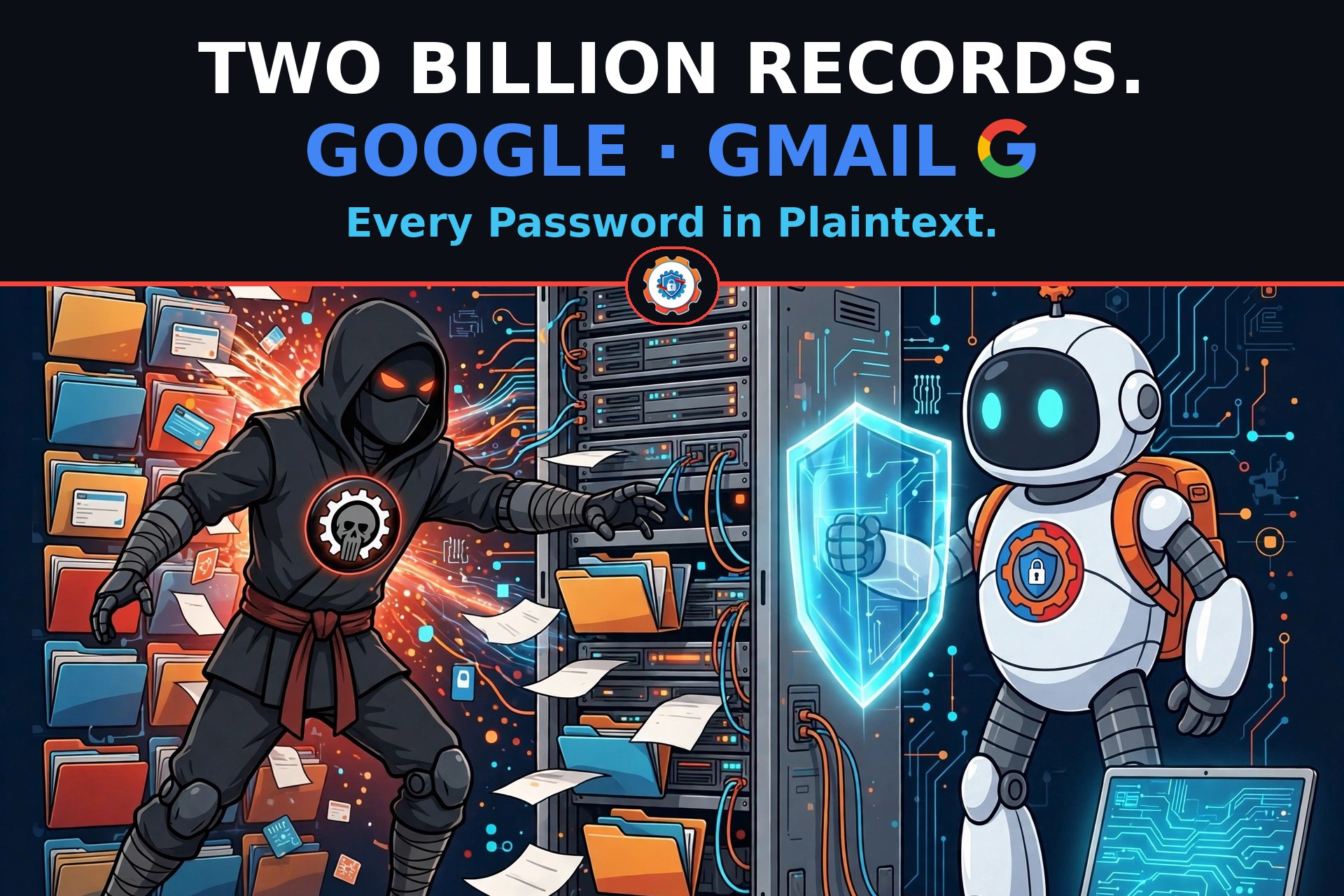





Two Billion Records. Every Password in Plaintext.
Somewhere on the public internet, a server was sitting wide open. No password. No encryption. No lock of any kind. Inside it: roughly two billion credential records, in plaintext, arranged in 8,471 folders — passwords, emails, cookies, session tokens, device data, saved app credentials, browser passwords, and authentication artifacts, waiting for anyone who looked.
Security researcher Jeremiah Fowler found it. His report, published on ExpressVPN’s website on November 24, describes one of the largest exposed credential collections ever seen in the open.
What was inside
The database was not one breach. It was an aggregation: infostealer logs and data from other leaks, pulled together from multiple suspected cybercriminal data sources and underground credential operations. Fowler reviewed only limited samples.
Gmail alone accounted for 608 million records. Other Google services added another 114.3 million. Tens of millions more came from Facebook, Instagram, Amazon, Roblox, Yahoo, Microsoft, and X. Government and education were heavily represented too: 61 million .gov records, 46 million .edu, and around 50 million .org.
Some folders were segmented by country — the United States, the United Kingdom, France, Germany, Spain, and Mexico all appeared in filenames. Around 400,000 documents appeared to come from a single sophisticated malware strain that profiled individual victims in separate folders, with subfolders for applications, cookies, and the Edge browser, and documents labeled system, process, clipboard, and passwords. Other logs came from other malware strains entirely. One detail stood out even to Fowler: thousands of Tor .onion addresses, each with a corresponding account name and password — the first time he had seen large numbers of dark-web accounts inside a breached credential set.
Why two billion records is not two billion victims
The headline number needs a caveat, and Fowler is clear about it. Two billion records does not mean two billion victims. The collection is full of duplicates, and a single infected device can yield dozens of accounts. Some of the credentials are almost certainly expired or already rotated.
But that caveat cuts both ways. What makes this dataset dangerous is not any single password — it is the completeness of the picture it paints. An infostealer does not just grab one login. It harvests the browser’s saved passwords, the active session cookies, the device fingerprint, and the saved credentials for apps, all at once. Put together, that is a near-complete profile: email, corporate portals, banks, crypto wallets, social media — even government portals.
With a live session token, an attacker may not need the password at all — and with the victim’s device data, a phishing message to the victim or their contacts can sound exactly right. The risks: theft of money and cryptocurrency, account hijacking, and scams aimed at victims and their contacts.
Who built this, and why
Nobody knows. The server’s owner has not been identified, and Fowler could not determine whether the collection was assembled for a criminal marketplace, a stolen-data resale operation, or a single reseller or private archivist. It may even have been left unprotected by other researchers. Fowler notified the relevant parties after his limited review.
Infostealer logs have become a commodity — harvested by malware, traded in bulk, aggregated into ever-larger collections, and resold to whoever will pay. A single infection feeds a pipeline that can end with a victim’s entire digital life sitting in a folder on a server nobody secured. Law enforcement has taken down pieces of that pipeline before — a seizure of 257 servers last year exposed 6.4 million infostealer victims — but the supply keeps coming.

What to do now
You cannot check whether your credentials are in this specific dataset — there is no searchable index, and the collection was never published as a breach notification. What you can do is assume the worst about reused passwords and act on it.
1. Rotate any password you have reused. If one password protects your email and three other accounts, a leak anywhere compromises all of them. Change the reused ones first — email, banking, and work accounts. The debate over whether password changes actually help is real — but after a leak like this, changing a credential that appears in multiple places is not optional.
2. Revoke active sessions, not just passwords. Changing a password does not kill a stolen session token. In Gmail, Microsoft, Facebook, and most major services, the security settings let you sign out everywhere and revoke app sessions. Do that for your most important accounts, then sign back in fresh.
3. Turn on multi-factor authentication — or go passwordless. MFA is the single most effective defense against stolen credentials. Where a service offers passkeys, use them: there is nothing to steal in a dataset like this one.
4. Check the device, not just the accounts. Advanced infostealer malware often shows no symptoms at all, and simply removing it is not enough once credentials have been harvested. Keep devices updated, run only trusted software, and keep endpoint security running. If you suspect an infostealer infection — strange logins, sessions you do not recognize — seek professional help.

Two billion records in plaintext on a server with no lock is not one company’s mistake. It is an industry: malware that harvests everything, markets that trade it in bulk, collections that grow until someone forgets to lock the door. The passwords in that dataset belonged to real people. The only question is whether those people find out before someone else uses them.