

















They Say a Password Change Won’t Save You. Nobody Has Proven It.
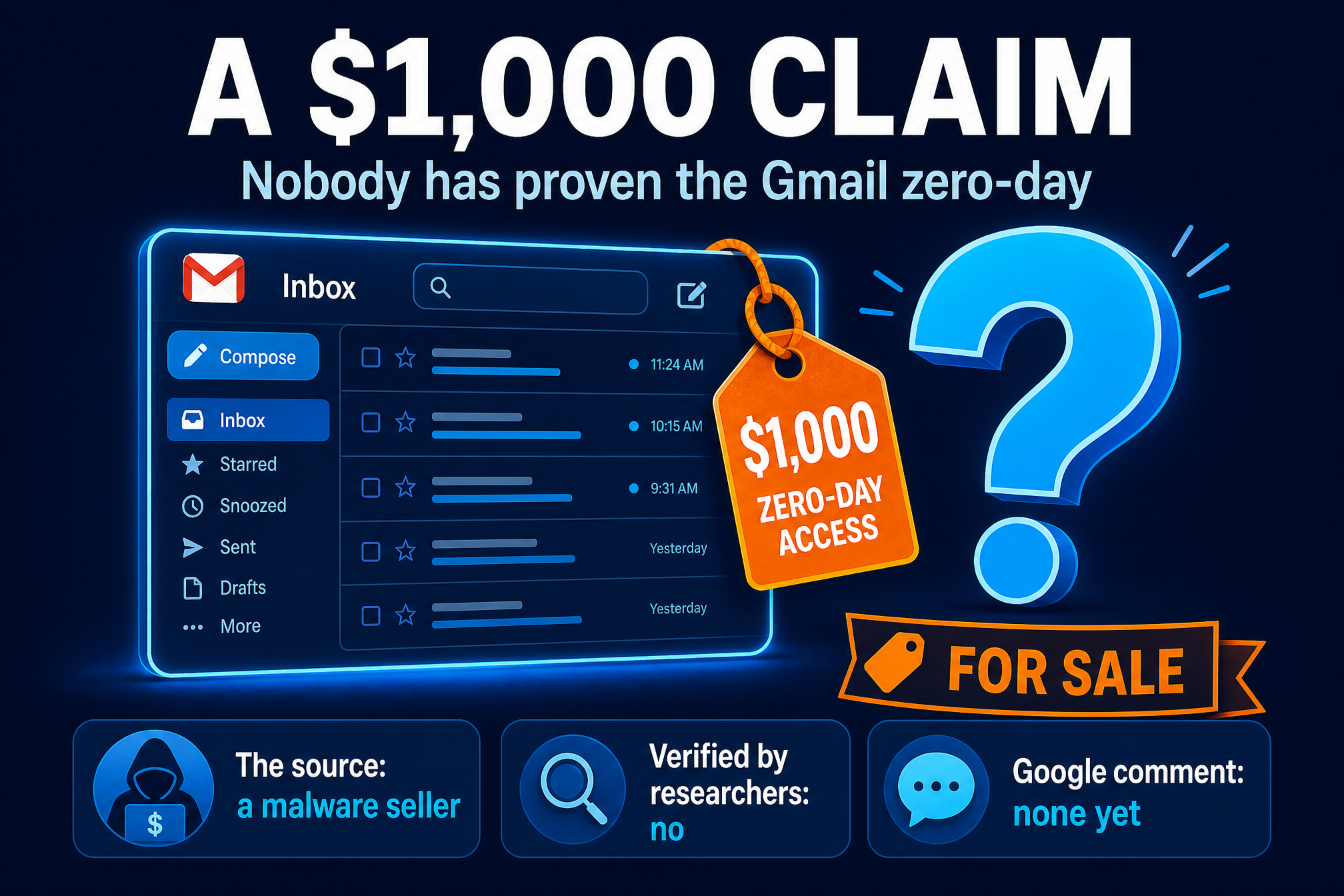
Here is the claim, stated plainly so we can be honest about what follows: the developers of an infostealing malware called Remus Stealer say that for $1,000 a month, their customers can read a victim’s Gmail inbox — search it, browse it, even share access to it — and keep that access after the victim closes the browser, changes their Google password, and revokes their sessions. The sellers call it a Gmail “zero-day.”
Here is what is actually known: none of that has been independently proven. This is a story about a sales pitch, what researchers could and could not confirm, and why the sensible response is neither panic nor a shrug.
What the sellers are advertising
The claim surfaced through Hudson Rock, a threat-intelligence firm that tracks infostealer activity and first reported on Remus. Screenshots shared by the researchers show a dashboard view of a compromised computer’s mailbox, with messages, senders, and timestamps, plus a control for sharing mailbox access with other operators.
Hudson Rock co-founder Alon Gal says the firm spoke directly with the developer and with someone publicly vouching for the service. The developer says the malware interacts with browser memory, executes, and exits — no cookie files stolen, nothing left running. A customer, Gal reports, claims mailbox access continues after the browser closes and even after a Google password change.
Note the sourcing in that paragraph, because it matters: a developer selling a feature, and a customer said to be happy with it. That is marketing material, not a demonstration.

What researchers think could be going on
Hudson Rock’s own leading explanation is considerably less magical than a zero-day. While a victim is signed in to Gmail in a compromised browser, malware could obtain or establish some reusable form of authorization. A remote component could then keep requesting mail after the local program exits — for as long as Google’s systems keep accepting that authorization.
That kind of session abuse is real and well documented; it is the same family of trick behind the stolen AI keys and session hijacking in Google’s LLMjacking warning, where a hijacked session page bypassed MFA entirely. But Hudson Rock is equally clear about the gap: this explanation does not, by itself, explain access surviving a proper revocation. And the researchers have not classified the Remus feature as a demonstrated Gmail zero-day. Cybernews asked Google for comment and had not received a reply.
So the honest summary is: an infostealer crew is selling a frightening capability, the screenshots look like a working dashboard, the proposed mechanism is plausible up to a point, and the most alarming part of the claim — surviving password changes and revocations — remains unverified. Infostealers themselves are no fiction: they are the payload behind everything from fake security tools on GitHub to large credential breaches. The malware category is real even if this feature’s brochure is not yet evidence.

If a stealer ever lands on your machine, do this
Whether or not Remus works as advertised, its claim points at the right recovery checklist — because the general risk, stolen sessions and lingering access, is genuine.
Clean the device first. Changing passwords on an infected computer hands the new passwords to the same thief. Isolate the machine and finish remediation before using it for trusted accounts again — or use a separate, clean device.
Change passwords from that clean device. Then review signed-in devices in your Google account and revoke anything you do not recognize, along with third-party app access you no longer use.
Audit Gmail’s quiet corners. Check forwarding addresses, filters that auto-forward or delete mail, and delegation settings. Attackers who keep access usually keep it through settings victims never look at.
Protect everything that resets through that inbox. A mailbox is the master key to password resets and verification codes for your other accounts. Treat its compromise as a compromise of all of them until each is checked.
And keep the headline in proportion: a seller’s claim is a reason to run this checklist, not a reason to believe your password has stopped working. If Google or Hudson Rock demonstrates the feature — or debunks it — that will be a story of its own.