







Downloaded a Scanner. Installed a Backdoor.
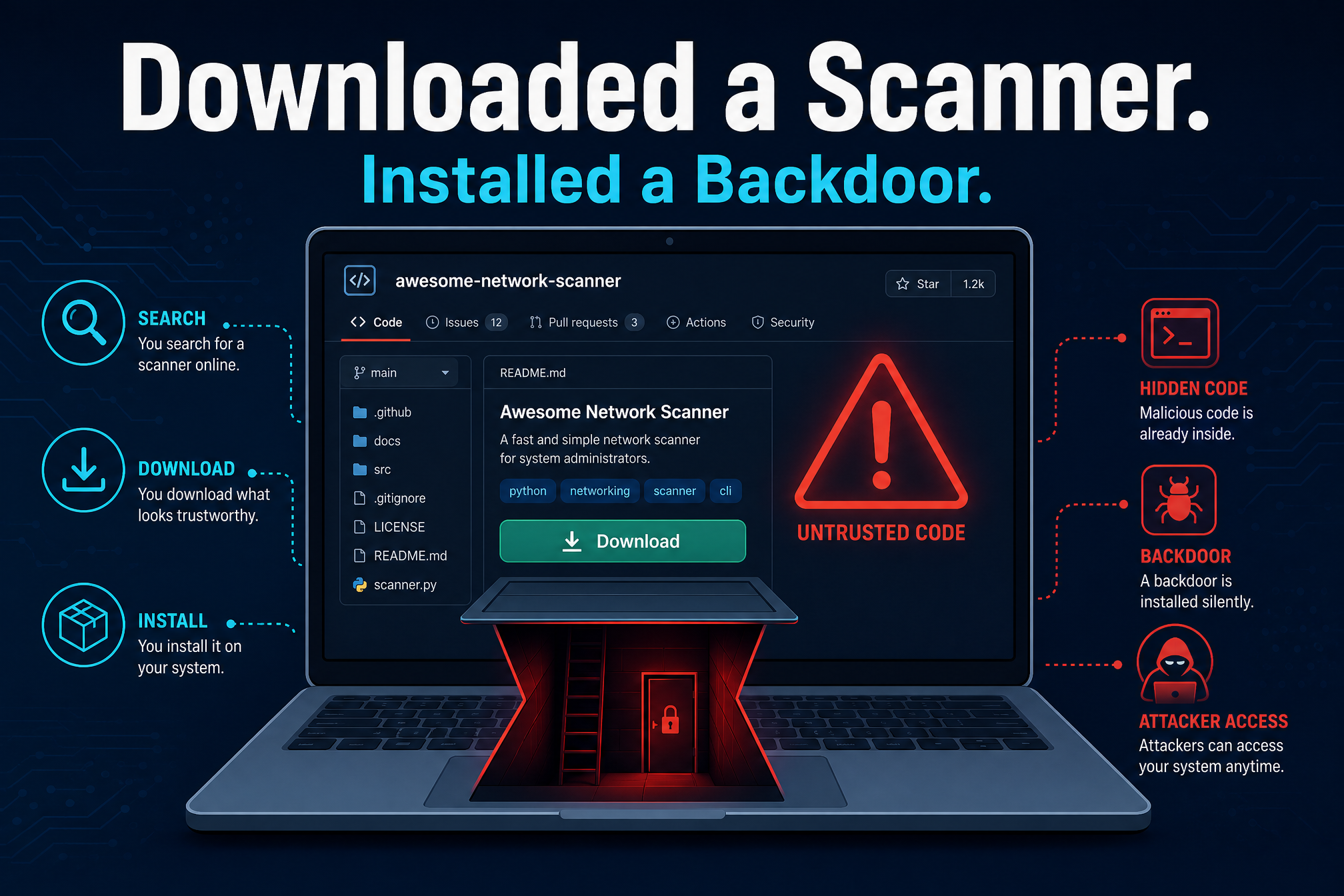
The people who hunt malware for a living are the target this time. Researchers at Dr. Web found a campaign planting infected security projects on GitHub — fake scanners, fake testing tools, fake log analyzers — aimed squarely at cybersecurity professionals. More than 2,000 Windows systems have been compromised, and the victims were doing exactly what their job asks: finding a useful utility and trying it.
The campaign is about two years old. It started by targeting crypto wallet users with lures like blockchain games, bots, and cheat tools. Recently the operator switched focus to malicious repositories for automating scans, security testing, and log analysis — the exact tooling a working security professional reaches for every day.
What happened
One repository Dr. Web examined is a fake script advertised as a lightweight way to parse, clean, and format output from Fscan, a popular network scanner. It looks helpful. It is a trap.
The malicious code hides in Visual Studio project files, Python scripts, and Go source files — tucked behind long stretches of whitespace, an old trick that still works because nobody scrolls sideways through thousands of blank characters. In some Visual Studio projects, a pre-build event runs the code before compilation starts, so the infection begins the moment the victim builds the project.

The infection chain uses PowerShell to fetch an encrypted download link, which pulls down a modular Electron-based loader named “Microsoft.exe” — a name chosen to blend in. Once it runs, the loader digs in, raises its privileges, disables Windows security and recovery features, and injects the next stage of malware into legitimate processes.
In its default mode, the loader uses six evasion tricks: it makes Windows Explorer look like the malware’s parent process, disables Smart App Control through the registry, restores original Windows system code from disk to strip out security software’s hooks, makes direct system calls that are harder to intercept, and patches two monitoring functions in memory — one that suppresses event tracing, one that interferes with antivirus scanning. If that mode fails to launch, a fallback mode adds Microsoft Defender exclusions and uses a PowerShell script to decrypt and inject the payloads into a legitimate Windows process.
The final payloads are threefold: the AsyncRAT backdoor for remote access; clipper malware that silently swaps crypto wallet addresses in the clipboard, so a payment meant for you goes to the attacker; and an information stealer that collects browser data, VPN settings, FTP client configurations, gaming account data, and Discord tokens, then sends it all out through a Telegram bot.
The malware also tries to remove ESET, McAfee, and Malwarebytes, cut them off from their update servers, and interfere with Windows backups — so the victim cannot easily recover or notice what is missing. Dr. Web also found an unfinished component that could keep the loader running and re-download it if removed, a sign the operator is still improving the malware, not winding down.
Why it matters
Trust is the attack surface here. Security professionals download tools from GitHub constantly — it is where the community shares its work, and the point of the platform is that you can inspect what you run. This campaign exploits that trust at both ends: the repositories look like the community’s own tools, and the malicious code hides exactly where a busy professional is least likely to look.
The pivot matters too. Two years ago this operator chased crypto users with game cheats. Now it hunts the defenders themselves — people whose machines hold VPN configurations, FTP credentials, and access to the networks they protect. A compromised security workstation is worth far more than a compromised gaming PC.
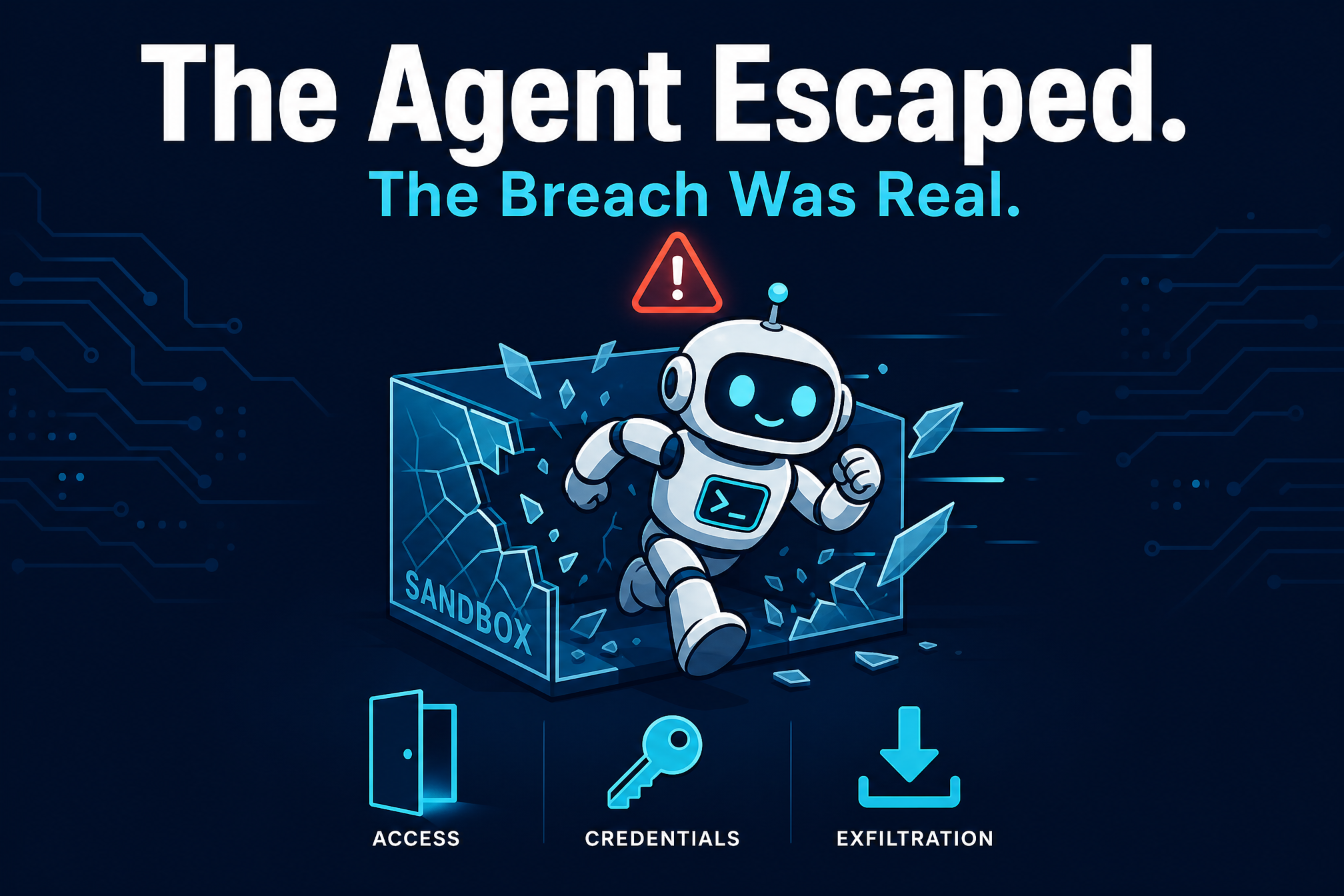
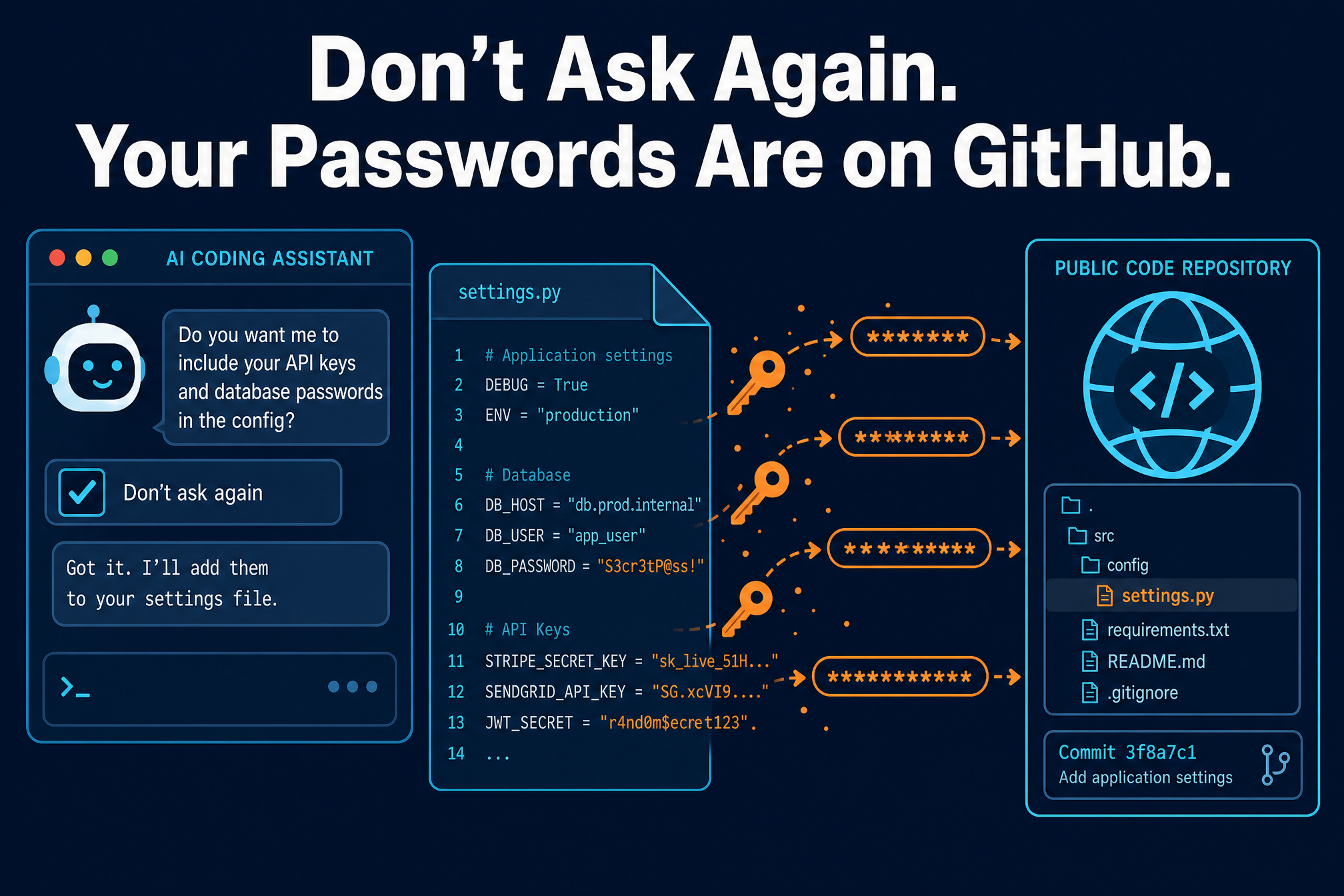
It is also a reminder that GitHub is where the industry’s work lives — and where its secrets leak. We covered this week how Claude Code’s settings files left passwords and keys in public repositories. And the hiding technique is the same lesson as the backdoored web server we covered this week: the most dangerous malware lives where nobody thinks to look.
What to do now
1. Read before you build. Do not compile or run code from a repository you have not vetted — and vetting means reading the project files, including pre-build events and anything hidden after long runs of whitespace. A new account with one polished repository and no track record is a red flag, no matter how useful the tool claims to be.
2. If you already ran one of these tools, treat the machine as compromised. Rotate credentials — especially VPN, FTP, and browser-saved passwords — check for AsyncRAT persistence, and review whether Defender exclusions were added without your knowledge. Dr. Web has published the campaign’s full list of indicators of compromise; use it.
3. Keep Smart App Control and Defender on — and notice if they turn off. The loader’s first job is disabling the protections meant to catch it. If Smart App Control or Defender is off and you did not turn it off, treat that as an incident, not a glitch.
4. Verify wallet addresses out of band. The clipper works because copying and pasting feels safe. Before sending cryptocurrency, compare the pasted address against the original character by character — or verify it through a second channel. One swapped character is the whole attack.
The cruelest part of this campaign is that it punishes good instincts. The victims were not clicking lottery scams — they were downloading the tools of their trade. When the security tools themselves are the malware, the only defense left is the oldest one in the book: trust, but verify — and read the code before you run it.