














A Thousand Fixes. Hours to Exploit Them.
Microsoft patched 1,123 Windows security flaws in a single month. And the company says the scariest part is not the number — it is how fast attackers can now turn each published fix into a working exploit.
October 2026 was the biggest patch month Windows has ever seen. Microsoft’s wider October security release addressed 1,413 CVEs across its whole product portfolio, and Windows alone accounted for 1,123 of them. A year earlier, the October Windows count was 134. That is a 738 percent jump in twelve months, and it caps a climb that has been accelerating since the spring: 131 in April, 66 in May, 120 in June, 413 in July, 233 in August, 726 in September — and then 1,123 in October.
What happened
The numbers come from Microsoft’s own Security Update Guide, and the company is not hiding from them. It is, in fact, arguing the opposite of what the numbers seem to say: more fixes do not mean Windows got less secure. In Microsoft’s telling, the surge means its tooling is finding more of what was already there. “A higher number of CVEs does not mean Windows has become less secure,” the company’s security leadership argues. “It means more vulnerabilities have been discovered and closed, reducing the opportunities attackers have to exploit them.”
The engine behind the surge is AI, and Microsoft is blunt that it cuts both ways. Its MDASH scanner pairs Microsoft’s own security model with partner models such as Anthropic’s Mythos, plus specialized agents that find and validate potential flaws. A human engineer still makes the final call, but the discovery pipeline now runs at a scale no manual review team could match. At the same time, Microsoft acknowledges that “AI is accelerating vulnerability discovery on both sides.” As Nuno Costa, Partner Director for Windows Servicing and Delivery, put it: AI “can also help attackers search for vulnerabilities before fixes are available and analyze published fixes after release. All of this increases the importance of timely protection.”

Why it matters
The practical consequence is a shrinking window. Once a monthly update ships, the CVE details are public, and attackers can feed the fix itself into AI tooling to reverse-engineer the flaw. Microsoft warns that can now happen within hours — which is why the company no longer recommends delaying monthly updates for three days or more. Jeremy Chapman, a director at Microsoft 365 who works closely with Windows customers on security, has been warning for months that waiting “a couple of weeks” after release gives attackers “ample time to find and exploit known security gaps” with AI assistance.
The uncomfortable data point is that many organizations are still doing exactly that. Microsoft’s own figures show that fewer than half of the enterprise devices in its sample had installed a security update two weeks after it shipped. Two weeks is an eternity when the other side needs hours.
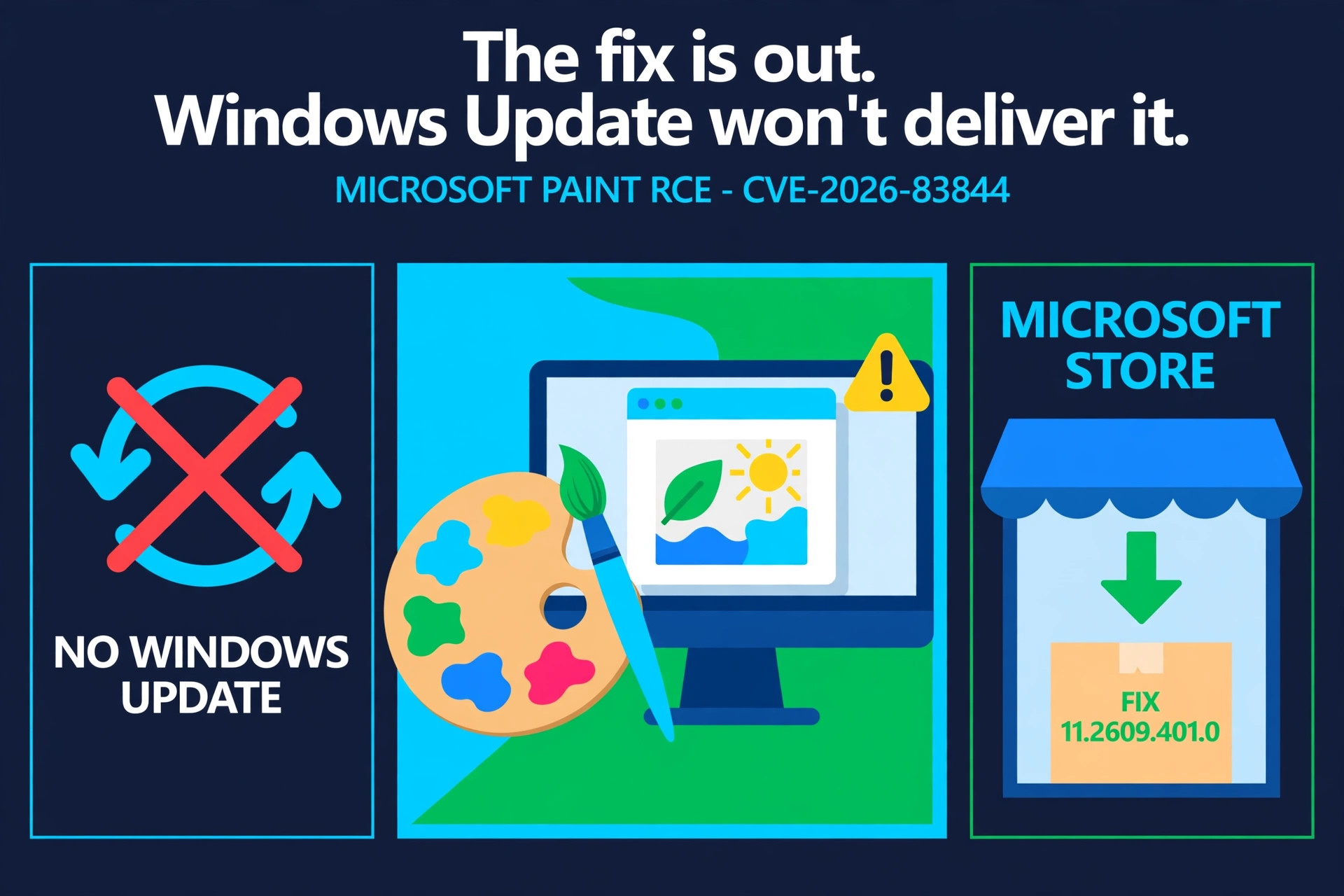
There is a second wrinkle worth remembering: a fix being released is not the same as a fix reaching you. Just this week, the patch for a serious Paint flaw sat in the Microsoft Store while Windows Update never delivered it — if you only watch one channel, you can miss the patch entirely. The fix was out, but Windows Update would not deliver it, and the only way to know was to check the Store directly.
What to do now
1. Install security updates within three days, not three weeks. Microsoft’s own guidance has moved: delaying monthly updates is no longer a safe default. Set your maintenance window for the first days after Patch Tuesday and treat the three-day mark as the deadline, not the start.
2. Measure coverage, not just deployment. Pushing an update to a collection is not the same as every device installing it. Verify install rates per device group and chase the stragglers — if you manage updates with Configuration Manager, a structured approach to software update management and patch deployment is what turns “we deployed it” into “it is actually installed.”
3. Check the channels Windows Update does not cover. Store apps, drivers, and firmware can carry their own patches on their own schedules. After each Patch Tuesday, confirm that Store-delivered fixes — Paint was the latest example — actually landed on your machines.
4. Do not pause updates to dodge bugs. It is true that the same AI-driven pipeline producing more fixes is also producing more consumer-facing bugs — the File History backup tool is still broken and the USB audio bug is still not fully patched. But a buggy update can be rolled back. An unpatched, AI-analyzed vulnerability cannot be un-exploited. If you must delay, browse carefully and run only trusted programs in the meantime — and keep the delay to days, not weeks.
The patch count is not going back down. Microsoft says plainly to expect it to keep rising as AI examines more code, more deeply. The question is no longer whether the fixes exist. It is whether they are installed before someone else reads them first.