









Your Printer Stopped. The Update Did It.
You installed the November security update, you hit print, and nothing came out — or the document that did come out was wrong. Microsoft says it knows why: this month’s Patch Tuesday update can break printing on documents with complex formatting, and the culprit is an image you were never meant to see.
In a service alert seen by BleepingComputer, Microsoft warned earlier this week that the November 2026 security updates may cause printing to fail for documents containing images with a height or width of zero. The issue affects servers running Windows Server 2016 or later and client machines on Windows 10 or later — in other words, just about every Windows PC still in support.
“After installing the November 2026 Windows security update, or later updates, printing might fail for documents containing images rendered with a height or width value of zero at the selected printing resolution,” Microsoft said. These are not pictures in any normal sense. They are “invisible” images — zero-size placeholders used as document watermarks, layout anchors, or artifacts left behind by document-generation tools that insert an image object even when no graphic is present. To the reader they are nothing. To the printer, after this update, they are a reason to stop.
What actually breaks
The bug mainly hits users printing Microsoft Word documents through the Windows Graphics Device Interface, or GDI — the older Windows drawing system that Word still relies on for printing. But Microsoft’s warning is broader than Word: the failure can also trigger when printing from other applications, wherever a document carries one of these zero-size images.
That breadth is what makes the bug annoying rather than catastrophic. Most documents print fine. The ones that fail are the formatted ones — contracts and reports with watermarks, templates built by document-generation tools, files where a layout anchor or an invisible graphic sits quietly in the background. The document looks perfect on screen. It is only at the printer that the update’s changed handling of a zero-height or zero-width image turns a formatting trick into a failed job.

The fourth problem this week
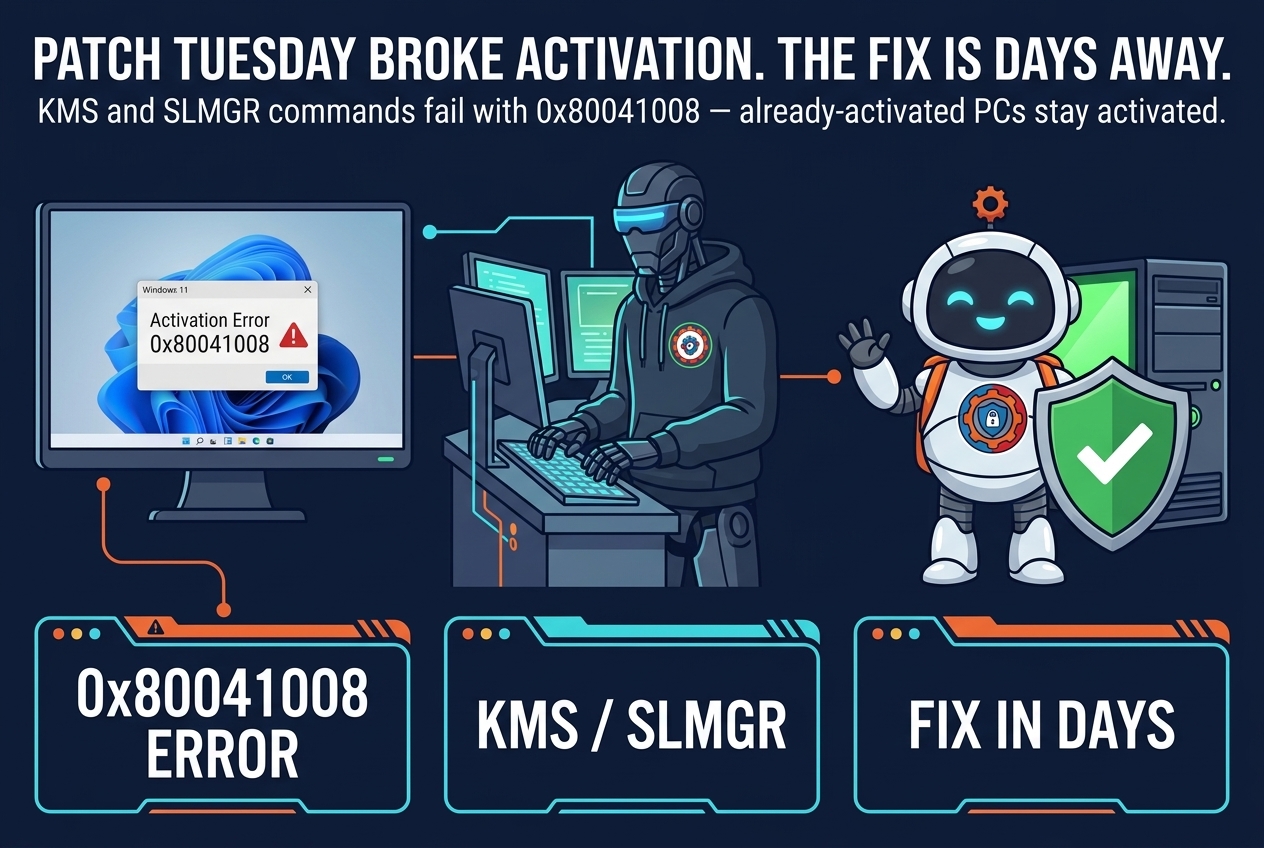
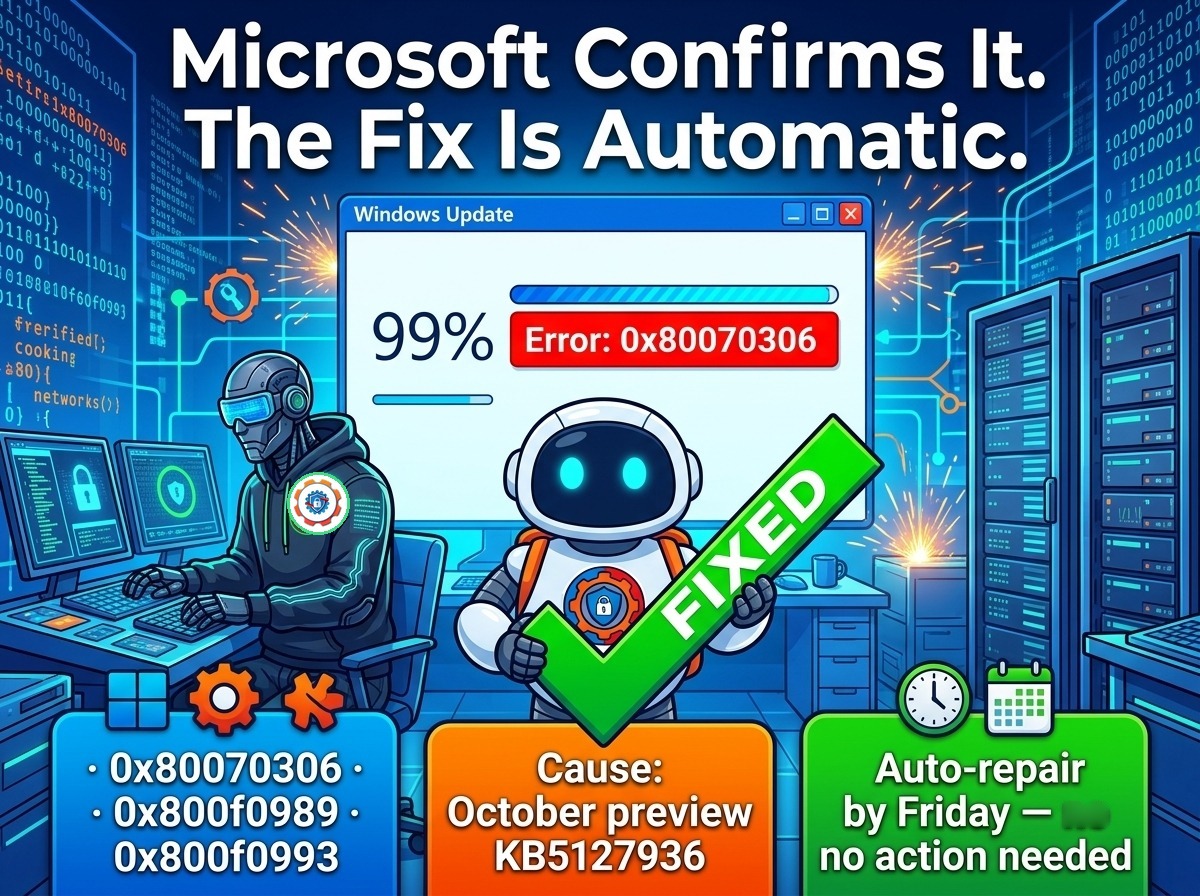
Printing is not the first thing November’s updates have broken — it is the fourth confirmed problem in a single week. Microsoft has already confirmed that the same Patch Tuesday updates trigger Windows activation and licensing failures, with error 0x80041008, on systems using KMS activation; that Windows updates released since the October Patch Tuesday leave SQL Server connections open and degrade database performance; and that the November Windows 11 security update fails to install on machines carrying the October preview update. Each problem has its own fix timeline. Printing joins a list that is growing faster than Microsoft can close it.
There is also history here. Microsoft addressed printing issues triggered by Windows updates in March 2025, when USB printers started printing random text, and again in July 2025, when an update broke the “Print to PDF” feature. More recently, the August 2026 .NET Framework cumulative updates broke printing and PDF export in apps built on the Windows Presentation Foundation UI framework. Printing, it turns out, is one of the parts of Windows most easily disturbed by a security update — and one of the last things most people expect to break.
What to do now

First, if you have already installed the November update and printing fails, check the document before you blame the printer. Open the file in Word and look for watermarks, background images, or content produced by a document-generation tool. If the document uses invisible images for layout or watermarking, it is a likely match for this bug — and the printer is probably fine.
Second, if printing is business-critical, hold the November update on the machines that do the most printing until Microsoft ships a fix. The update is a security update, so delaying it is a trade-off, not a free choice — but a print queue that silently fails is its own kind of outage, and on a shared office printer it can look like a hardware fault for hours before anyone connects it to the update.
Third, keep the other November-update problems in mind while you triage. If a machine that just updated is also showing activation errors or failing to install the update at all, you are looking at the same patch cycle, not three separate incidents. Our reports on the activation failures and the install failures that stop at 99 percent cover what Microsoft has confirmed and when a fix is expected.
Finally, watch Microsoft’s known-issues documentation for the November update rather than guessing. The company has confirmed the printing problem and described its trigger precisely; a fix, when it lands, will almost certainly arrive as a known-issue resolution or an out-of-band update. Until then, the safest test is the simplest one: print a watermarked document before you roll the update out to the rest of the office.