




Patch Tuesday Broke Activation. The Fix Is Days Away.
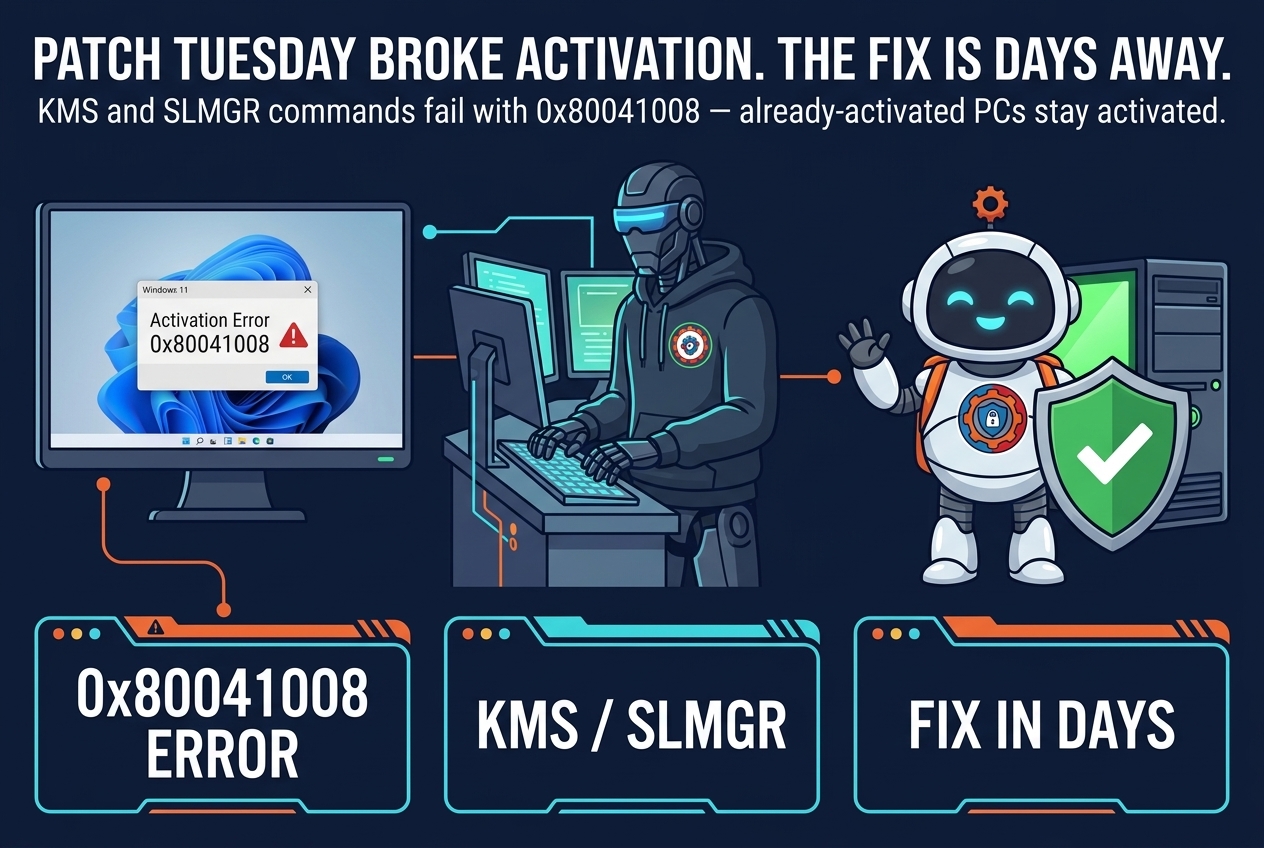
Patch Tuesday giveth, and Patch Tuesday taketh away. Microsoft has confirmed that this month’s November security updates are causing Windows activation and licensing failures, with error 0x80041008. Organizations that automate activation — or use the Software Licensing Management Tool, SLMGR — are hitting the error when they try to activate Windows, configure Key Management Service (KMS), or manage product keys. A fix is coming over the next few days, Microsoft says, and affected organizations that need immediate help should contact Microsoft Support for Business.
The failure is specific. “Affected devices might encounter error 0x80041008, Invalid parameter (SWbemObjectEx), when running commands to activate Windows, configure Key Management Service (KMS), or manage product keys,” Microsoft said in a Wednesday service alert seen by BleepingComputer. It happens after running the slmgr.vbs /skms-domain and slmgr.vbs /ipk commands on Windows 10 21H2/22H2 and Windows 11 23H2 clients, and on Windows Server 2019, 2022, and 2025.
Who is affected — and who is not
The scope is narrower than the headline suggests, and the distinction matters. Devices that are already activated stay activated. “Devices that are already activated remain activated. Customers whose devices already have the appropriate KMS client key and KMS configuration, and who do not need to run the affected Slmgr.vbs commands, are not expected to be affected,” Microsoft said. The problem bites organizations that automate activation and licensing, or that run SLMGR commands as part of imaging and deployment — the machines that need to be activated now, or re-activated after a change.
There is a grace period built into the design. “Devices that are being configured to use KMS activation might encounter errors when attempting to initiate their activation. KMS-activated devices typically remain activated for up to 180 days following successful activation.” That 180-day window is the cushion: a device that was activated before the update keeps working, and an organization with a deployment deadline measured in days rather than months has room to wait for the fix.

The third November-update problem in a week
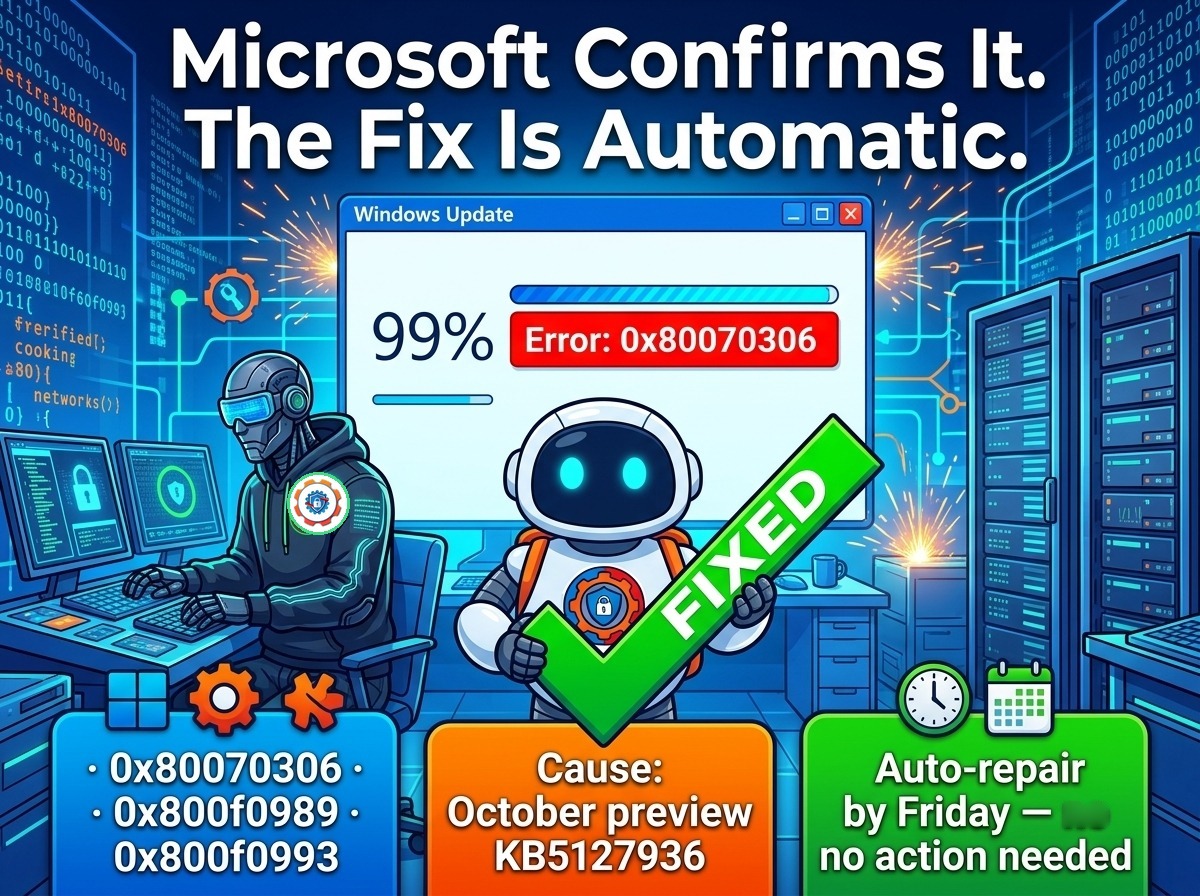
This is not the first thing the November updates have broken. It is the third confirmed issue in a week, and the pattern is what makes it worth a post of its own. On Tuesday, Microsoft confirmed that the November 2026 Windows 11 security updates fail to install on systems that have the October preview update installed, reaching 99 percent before failing with errors 0x800f0993, 0x80070306, and 0x800f0989 — a story we covered when Microsoft confirmed the cause and the automatic fix. Separately, Microsoft confirmed that Windows updates released since the October Patch Tuesday are causing SQL Server performance and stability issues, with linked-server queries leaving connections open until the service is restarted.
Three confirmed problems from one update cycle is a lot, and it lands on top of the biggest Patch Tuesday of the year. The November release fixed 1,235 flaws, including 66 critical ones and an actively exploited Outlook zero-day — the scale of the release is part of the story, as our Patch Tuesday overview covered. Big releases break more things. That does not make the breakage acceptable, but it does make it predictable — and it is why the advice for Patch Tuesday has always been the same: pilot first, then deploy wide.
What to do now
If you are an administrator hitting 0x80041008, first confirm you are actually affected: run the SLMGR command and check for the error, and confirm the device is not already activated with a KMS client key in its image. If the device is already activated and you do not need to run the affected commands, nothing is broken — leave it alone.
If you do need to activate now, do not work around the error by rebuilding images or re-entering keys repeatedly — the failure is in the update, not in your key. Microsoft says a fix is coming over the next few days; organizations that cannot wait should contact Microsoft Support for Business for immediate mitigation. And if your deployment schedule allows it, pause SLMGR-driven activation until the fix lands — the 180-day KMS grace period means already-activated machines are not a ticking clock.

January brought a similar story, when Microsoft fixed a known issue that stopped devices from registering with the Windows Activation server for digital licenses during upgrades. Activation is one of those things nobody thinks about until it stops working — and this month, the update that was supposed to make Windows more secure made a piece of Windows stop working instead. The fix is coming. Until then, the machines that are already activated are fine, and the ones that are not can wait a few days.