



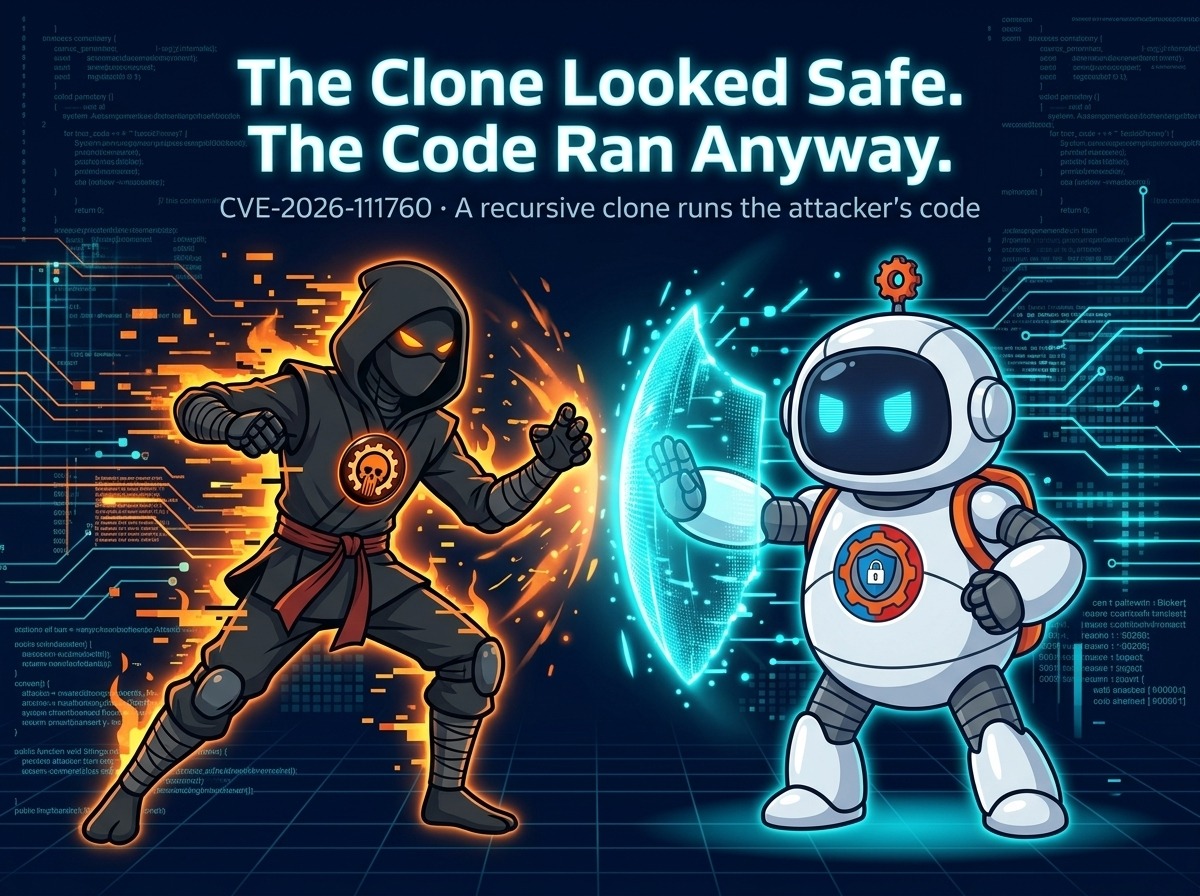

The Clone Looked Safe. The Code Ran Anyway.
Cloning a repository is routine: paste a URL, Git downloads the code, and you start working. It feels safe — you are only reading files, after all. A flaw fixed this week in Git breaks that assumption: a malicious repository can run the attacker’s code on your machine during a recursive clone, before you ever open a file. Tracked as CVE-2026-111760, the flaw is fixed in Git 2.56.1, with matching fixes for the 2.50 through 2.55 series.
The flaw is an integer truncation in how Git handles its index — the file that tracks every path in a repository. An extremely long path in a malicious repository can pass Git’s safety check, because the check sees the full length. But when Git writes that path to disk, the length is cut short, and the shortened name is one the attacker chooses: .git.
The .git file is the weak point
That is where submodules come in. Git refuses to replace a .git folder with a symbolic link. But in a freshly cloned submodule, .git is a small file that points to the real Git directory. The attacker uses the truncated path to swap that file for a symbolic link to a folder they control, holding malicious hooks or configuration.
Hooks are programs Git runs automatically at set points — before a commit, after a checkout, and more. Once Git follows the attacker’s link and reads their folder, their code runs as you. Nothing about the clone looks wrong — the trap is in the structure, not the code.
The fix is simple in concept: the patched versions refuse extremely long paths before their length can be cut short. GitHub advises installing a fixed version from your operating system or Git distributor, and updating any app that ships its own copy of Git. GitHub has already applied the fixes to github.com and GitHub Enterprise Cloud; for Enterprise Server, they are in 3.19.15, 3.20.11, 3.21.9, and 3.22.4. Fixes for GitHub Desktop, the Copilot app, Codespaces, and Actions are coming. Git for Windows had not released a 2.56.1-based version as of Tuesday evening — Windows users should check for the update rather than assume it has arrived.

Five more flaws in the same release
The Git releases fix five other flaws, and two deserve attention. CVE-2026-113408 lets a malicious server send a branch name containing path traversal when someone clones an empty repository over Git protocol v2; a later update to that branch can then write outside Git’s reference folder. CVE-2026-105437, assigned by GitLab, lets a very large merge with many conflicts and a large conflict-marker-size attribute write past the end of a buffer that is too small. Code-hosting servers are the likeliest target: a server may run git merge-tree to check whether a pull request can be merged, and the attribute can be set in a .gitattributes file in the repository. Servers that cannot upgrade yet can add conflict-marker-size=7 to each repository’s info/attributes file. The other three are narrower: a tag with more than two GPG signatures can corrupt stack memory (CVE-2026-114467); an oversized binary patch can get past the roughly 1 GiB patch size limit and crash Git (CVE-2026-114469); and three git fast-import features could read arbitrary files or create files, now rejected unless --allow-unsafe-features is set (CVE-2026-114466).
Who is affected, and the fixed versions
Anyone who clones repositories — especially recursively, with submodules — from sources they do not fully trust is exposed until they upgrade. The fixed versions are 2.56.1 and the backports 2.50.2, 2.51.3, 2.52.1, 2.53.1, 2.54.1, and 2.55.1. No exploitation has been reported, but the fix is public and the mechanism documented — and weaponizing it takes only a crafted repository, hosted anywhere and linked anywhere.
Until a fixed version is installed, GitHub suggests steps that reduce the risk but do not replace the fix: clone only from servers you trust; don’t recursively clone, merge, or process patches and fast-import streams from sources you don’t trust. CI pipelines and code-review bots that clone repositories on your behalf run Git too, and they need the same upgrade.
What to do now
Update Git on every machine you use — and on every system that clones repositories for you. Check the version with git --version and compare it against the fixed releases for your branch. Then check the tools that bundle their own Git: editors, desktop clients, CI runners, containers with a Git binary baked in. Each needs its own update — updating the Git on your path does not update the copy inside another app.
If you cannot upgrade yet, stop recursive clones from untrusted sources on that system, and check submodules you already cloned — a .git entry that is a symlink, not a file, is a red flag. For servers running merge checks on untrusted repositories, apply the conflict-marker-size=7 workaround for CVE-2026-105437 until the upgrade lands.

Cloning is trusting
This flaw is a reminder that cloning a repository is not a passive act. You are running a program — Git — against files someone else designed, and those files can be shaped to attack the program itself. It follows the recent run of flaws that needed no login at all — the Linux kernel TCP flaw that gave root with no login and the OpenSSH flaw that went from patch to confirmed break-ins in days. The Git flaw is different in one way: it does not attack a server you run. It attacks your own machine, through a command you type yourself, against a repository you chose to clone. The fix is one upgrade away. Take it before the next repository you clone is the one that was built for it.