










No Login. A 9.6 in Zoom Workplace.
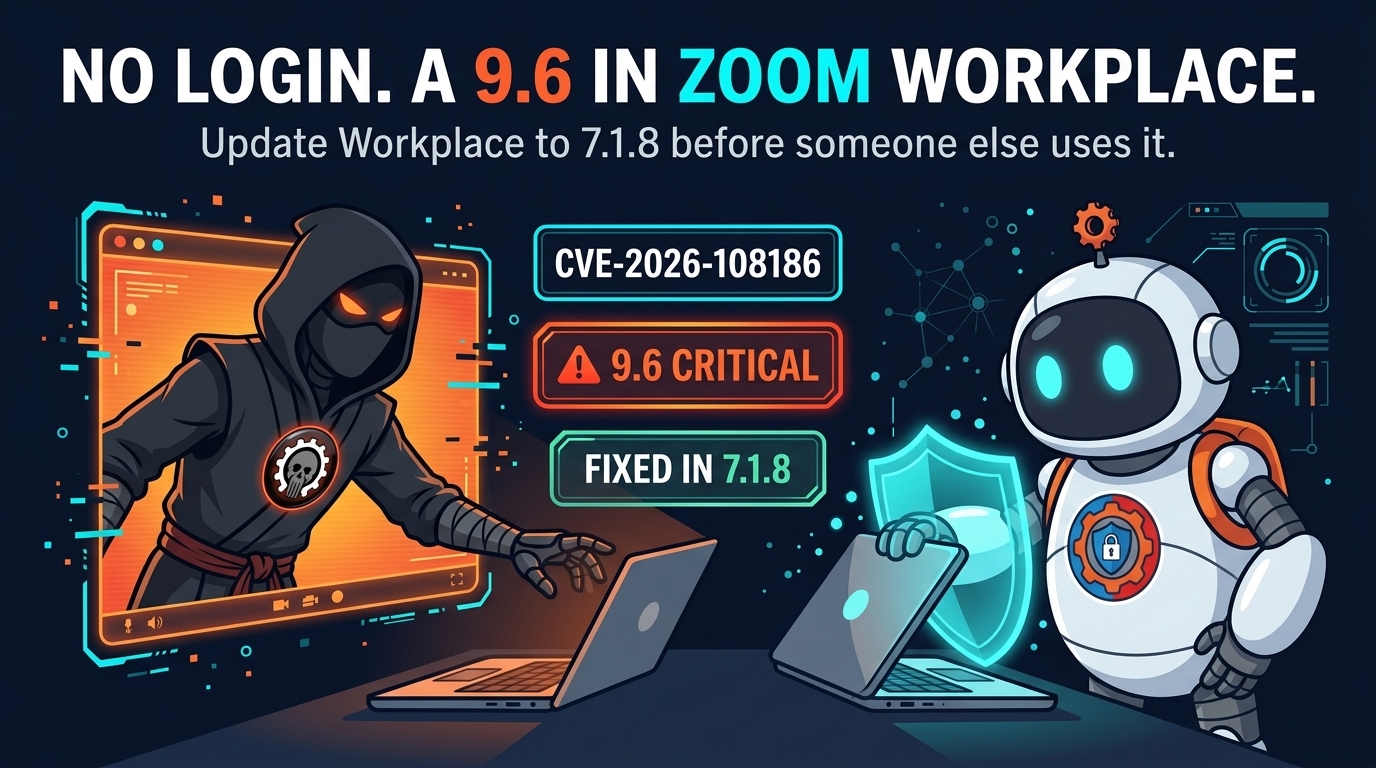
Zoom has patched two security flaws in Zoom Workplace for Windows — including a critical one that lets an unauthenticated attacker escalate privileges over the network. No login. No special permissions. Just network access to a machine running the affected client. The fix is version 7.1.8, and it is out now.
The critical flaw, CVE-2026-108186, scores 9.6. It is an improper input validation vulnerability: a remote attacker who can reach the client over the network sends crafted input the software fails to check, and ends up running with higher privileges than the account that started the meeting. The second flaw, CVE-2026-108187, scores 8.1. It is an origin validation flaw with the same result — unauthenticated privilege escalation via network access — in Zoom Workplace for Windows before version 7.1.5.
Two flaws, one door
CVE-2026-108186 affects Zoom Workplace for Windows from version 7.1.0 up to — but not including — 7.1.8. CVE-2026-108187 affects versions before 7.1.5. The patched release, 7.1.8, closes both. Zoom has said nothing about either flaw being exploited in the wild, and users are advised to apply the latest patches to mitigate the risk. That is the standard language. It is also the language that appears right before exploitation begins.
This is not Zoom’s first time here. Earlier this July, the company shipped fixes for another improper input validation flaw in the same product — CVE-2026-53412, scoring 9.8 — that could let an unauthenticated user take control of accounts. The pattern is familiar: a widely deployed desktop client, a validation flaw in how it handles network input, and a privilege escalation that turns a meeting app into a foothold.
That foothold is the part worth understanding. Privilege escalation is not the end of an attack; it is the beginning of one. An attacker who starts as an unprivileged user on a machine is limited in what they can read, install, and change. An attacker with elevated privileges can install software, disable defenses, read files belonging to other users, and move laterally to other machines on the network. The meeting client is not the target. It is the door.

Why a meeting app is a security problem
Zoom sits on nearly every corporate Windows machine, and it runs with the user’s privileges — often for hours a day, in the background, connected to the network. That combination — ubiquitous, always on, network-facing — is exactly what makes a client-side flaw dangerous. An attacker does not need to phish anyone or trick anyone into clicking anything. If the flaw is reachable over the network, the attack is a connection, not a conversation.
The same logic applies to the other client-side flaws this blog has covered. When Apple patched the iMessage flaws that let a stranger join a group chat and read old messages, the problem was the same: software that is always listening is software that is always reachable. And when Google patched its eighth Chrome zero-day of the year, the fix was the same: update the client, because the client is the perimeter now.
There is no evidence yet that anyone is exploiting the Zoom flaws. But the disclosure itself changes the math. The flaw is public, the versions are public, and the fix is public. Anyone who can read the advisory can find the vulnerable versions — and anyone running a vulnerable version is now on a countdown that only ends when the update is installed.
Four things to do today
First, update to Zoom Workplace 7.1.8. The patched release closes both flaws. If your client updates automatically, confirm it actually did — check the version number in the client itself rather than assuming the update went through.
Second, audit the fleet. Zoom is the kind of software that ends up installed on machines nobody remembers: the conference-room PC, the spare laptop, the contractor’s workstation. Check every Windows machine that runs Zoom Workplace and confirm the version, not just the ones on your desk.
Third, turn on automatic updates if they are off. Client software that waits for a user to click “update” is client software that stays vulnerable. Zoom’s auto-update setting exists precisely for flaws like these, where the window between disclosure and exploitation is measured in days.
Fourth, run meetings as a standard user, not an administrator. Privilege escalation only matters if there is a higher privilege to reach. A user account with no admin rights limits what any client-side flaw can do — it is the cheapest mitigation in this entire article, and it works for every application, not just Zoom.

The update is the whole job
There is no configuration change that fixes a validation flaw, and no firewall rule that reliably blocks it — the client has to be reachable to do its job. The fix is the update, and the update is already out. Version 7.1.8 closes both flaws. Install it, confirm it on every machine, and let the countdown end on your terms instead of someone else’s.