







The Eighth Chrome Zero-Day This Year. Update Now.
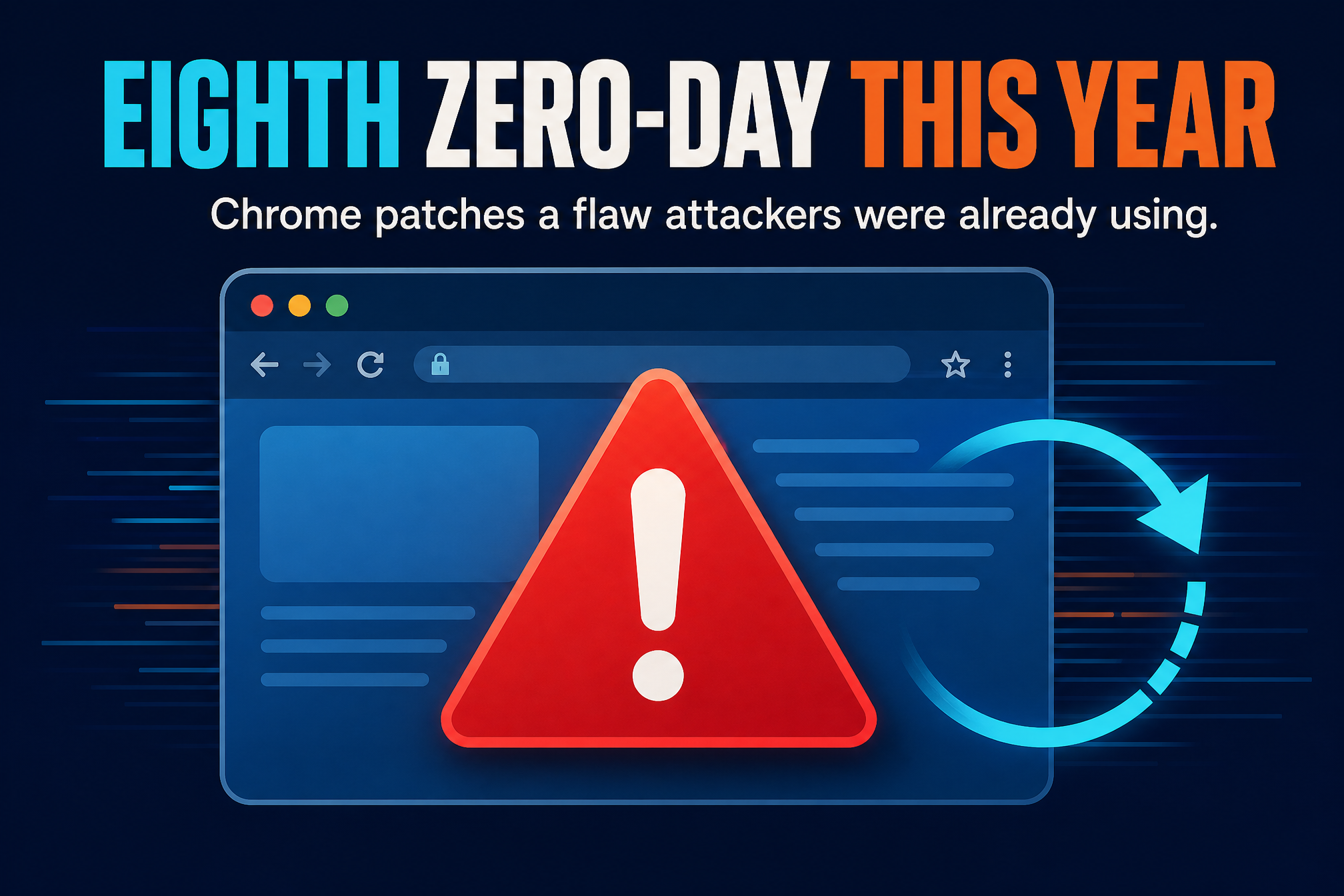
Google has released an emergency Chrome update to fix a security flaw attackers were already using. The company confirmed on Monday that an exploit for CVE-2026-125350 “exists in the wild” — and it is the eighth Chrome zero-day exploited in attacks this year.
The flaw is a use-after-free bug in Chrome’s XML component. In plain terms: when Chrome’s XML parser processes a page, it deletes an object from the computer’s memory but fails to clear the pointer that still references that object. When the browser later tries to use that freed memory, an attacker who crafted the page can manipulate the memory layout and run their own code. It is rated high severity, and it needs no special trick beyond getting you to visit a malicious page.
Google is not sharing details about who exploited the flaw or how widespread the attacks are. The company says bug details and links “may be kept restricted until a majority of users are updated with a fix” — a standard move to avoid handing attackers a roadmap while millions of browsers are still unpatched. The same restriction applies when a bug lives in a third-party library that other projects also depend on and have not yet fixed.

The fix is out — but only if you install it
The patched versions are rolling out now in the Stable Desktop channel: 157.0.8103.50 and .51 for Windows and macOS, and 157.0.8103.50 for Linux. Google says the update could take days or weeks to reach every Chrome user automatically, but it was available immediately when checked manually today.
That gap matters. Chrome will install the update on its own after the next launch, but a browser that stays open for days never gets that launch. The fastest path is to check yourself: open Chrome’s settings, go to About Chrome, and let it pull the update — then relaunch when it asks. If the version number starts with 157.0.8103.50 or higher, you are covered.
Eight zero-days in ten months
This is not an isolated incident. It is the eighth actively exploited Chrome zero-day Google has patched in 2026:
- February: an iterator invalidation bug in the CSS font feature values code (CVE-2026-2441).
- March: an out-of-bounds write in the Skia graphics library (CVE-2026-3909) and a flaw in the V8 JavaScript engine (CVE-2026-3910).
- April: a use-after-free bug in Dawn, the WebGPU implementation (CVE-2026-5281).
- June: an out-of-bounds read and write in the V8 JavaScript engine (CVE-2026-11645).
- September: an out-of-bounds write (CVE-2026-87491) and a type confusion flaw (CVE-2026-85046), both in V8.
- November: this XML use-after-free (CVE-2026-125350).
Google patched eight more exploited Chrome zero-days in 2025, many of them reported by the company’s Threat Analysis Group, which tracks zero-day exploits used in spyware attacks. The pattern is steady: the browser is one of the most attacked pieces of software on the planet, and the flaws keep coming.
Why a browser flaw is a big deal
Your browser runs code from every site you visit, all day, every day. A flaw in the browser skips past most of the defenses you have set up — no malicious download, no suspicious attachment, just a page. Malicious browser extensions have already shown how code running inside the browser can reach the rest of the computer; a flaw in the browser itself is the same door, opened wider.
The fix is simple, and that is the point. Update Chrome, relaunch it, and check the version. Then do the same for the people you support — family, friends, the office — because the users least likely to check are the ones most likely to be targeted. It is the same week another patch-now flaw earned a 9.8 severity score, and the same rule applies to both: the update only protects you once it is installed.
What to do now

Update Chrome today. Settings, then About Chrome. Let it download, relaunch when prompted, and confirm version 157.0.8103.50 or later.
Turn on automatic updates if they are off. Chrome updates itself by default, but managed machines and some installs have updates disabled. Re-enable them so the next zero-day does not wait on a manual check.
Restart the browser regularly. An update that downloads but never applies because Chrome never relaunches is the same as no update at all. A restart a day keeps the patches flowing.
Eight zero-days in a year is not a reason to panic. It is a reason to update — because every one of those eight had a fix, and every fix only worked for the people who installed it.
One thought on “The Eighth Chrome Zero-Day This Year. Update Now.”