







The Sandbox Has a Hole. Your Crypto Keys Are Inside.
Every iPhone runs on a promise: apps stay in their own sandbox, and one app cannot read another app’s files. A public escape published this week breaks that promise — and it puts crypto wallet keys, seed phrases, and login credentials within reach of any app that uses it.
The escape is called worse_query. Researcher forcequit, working with 0xjohnny, released it on GitHub on Sunday, a day before Apple shipped its latest iOS updates. Binance, the world’s largest crypto exchange, warned users about it today: on iPhones running iOS 26 and 27, an app using worse_query can read every other app’s data container — and some system folders on iOS 27.
That matters because of what lives inside those containers. A crypto wallet stores its seed phrase and private keys there. A password manager stores its vault. A banking app stores its session tokens. The sandbox is the wall that keeps one app from reaching into another’s pocket. Worse_query walks through it.
How the escape works
The proof-of-concept code reaches every app’s data container by setting up an App Group container — a shared storage area iOS normally uses to let apps from the same developer share data. Once the group exists, the escape can read, edit, delete, and clear files belonging to other apps.
The researcher says the code is for developers and “isn’t useful by itself.” But other developers have already built on it. One of them is WQ Files, a file manager built by Christoph Kolbicz on top of worse_query. It reaches other apps’ data without a jailbreak and without a kernel exploit — and it can edit, delete, and clear that data.

WQ Files installs through sideloading tools such as AltStore and SideStore, which automatically create the App Group the escape needs when used with an Apple ID. That is the current delivery route: an app installed from outside the App Store. Nobody involved has said whether an app distributed through the App Store itself could use worse_query — and that is the question that decides how big this gets.
Apple’s updates do not fix it
Apple released iOS 27.2.1 and iOS 26.7.3 on Monday. Those updates fix two iMessage flaws and several Bluetooth bugs. Their security notes do not mention worse_query or any sandbox issue, and no fix for the escape has been confirmed. Apple does not disclose security issues until it has investigated and a patch is ready — but the escape is already public, and the clock is running.
The researcher said on X that he had not planned to release worse_query early, adding that “Apple was stalling on responding to me and people started larping with it on here.” The three versions named in Binance’s warning are the ones listed as tested in the WQ Files release notes; the researcher gives a wider range. Of the apps built on the escape, only Erosion’s developers list iOS 27.2.1, added this week with the note “pretty sure 27.2.1 is supported.” None of them lists iOS 26.7.3 yet.
Neither Binance nor the researcher reported any attacks or thefts involving the escape, and no wallet app has been named as exposed. That is genuinely good news — but it is also the nature of a sandbox escape. The damage only becomes visible after someone builds a malicious app on it, and the first victims would not know their files had been read.
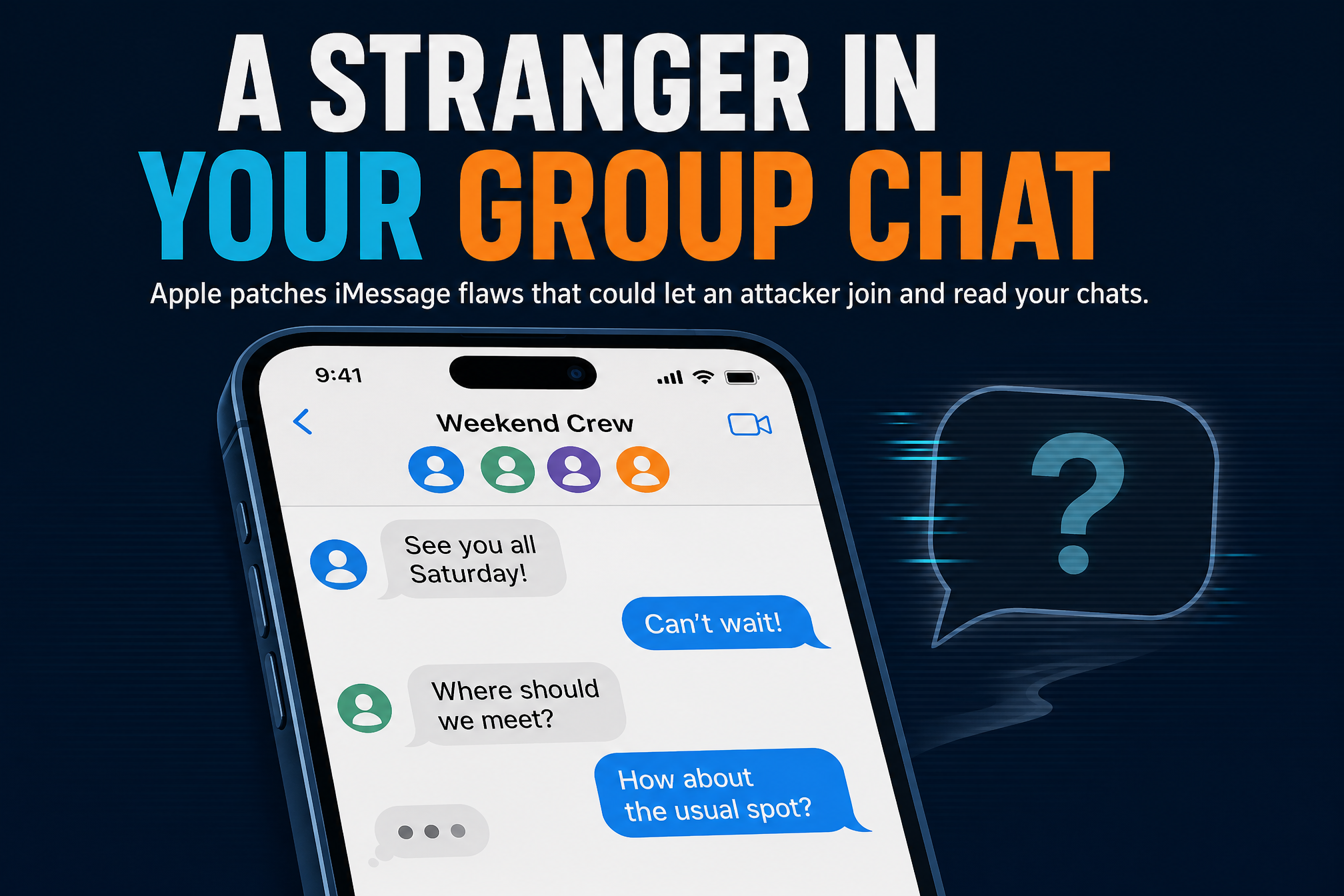
The same iOS 27.2.1 update that ignores this escape also fixed a stranger landing in your group chats — a reminder that this update cycle is doing real security work, just not on this flaw. And when secrets leak, the pattern is familiar: a single careless setting can put passwords where anyone can find them.
What to do now

Four steps until Apple ships a fix:
- Delete apps installed from untrusted sources. Sideloaded or manually signed apps are the known delivery route for worse_query. If you did not get it from the App Store, and you do not fully trust the developer, remove it.
- Update iOS and all your apps. The latest updates do not fix this escape, but they close other flaws — including the iMessage bugs fixed in 27.2.1 — and you want every other door shut while this one is open.
- If you suspect a breach, move your funds. Binance advises moving crypto to a new wallet created on a clean device. Do not create the new wallet on a phone you think may be compromised.
- Reset your active login sessions. If an app could have read another app’s data, assume its sessions are burned. Sign out everywhere and sign back in, starting with email, banking, and crypto accounts.
Sandbox escapes are rare precisely because the sandbox is the foundation of mobile security. When one goes public with no fix and a working file manager already built on it, the safe move is to treat every sideloaded app as a risk until Apple answers — and to keep your wallet keys on a device you trust.