




The Update Hits 99%. Then It Fails.
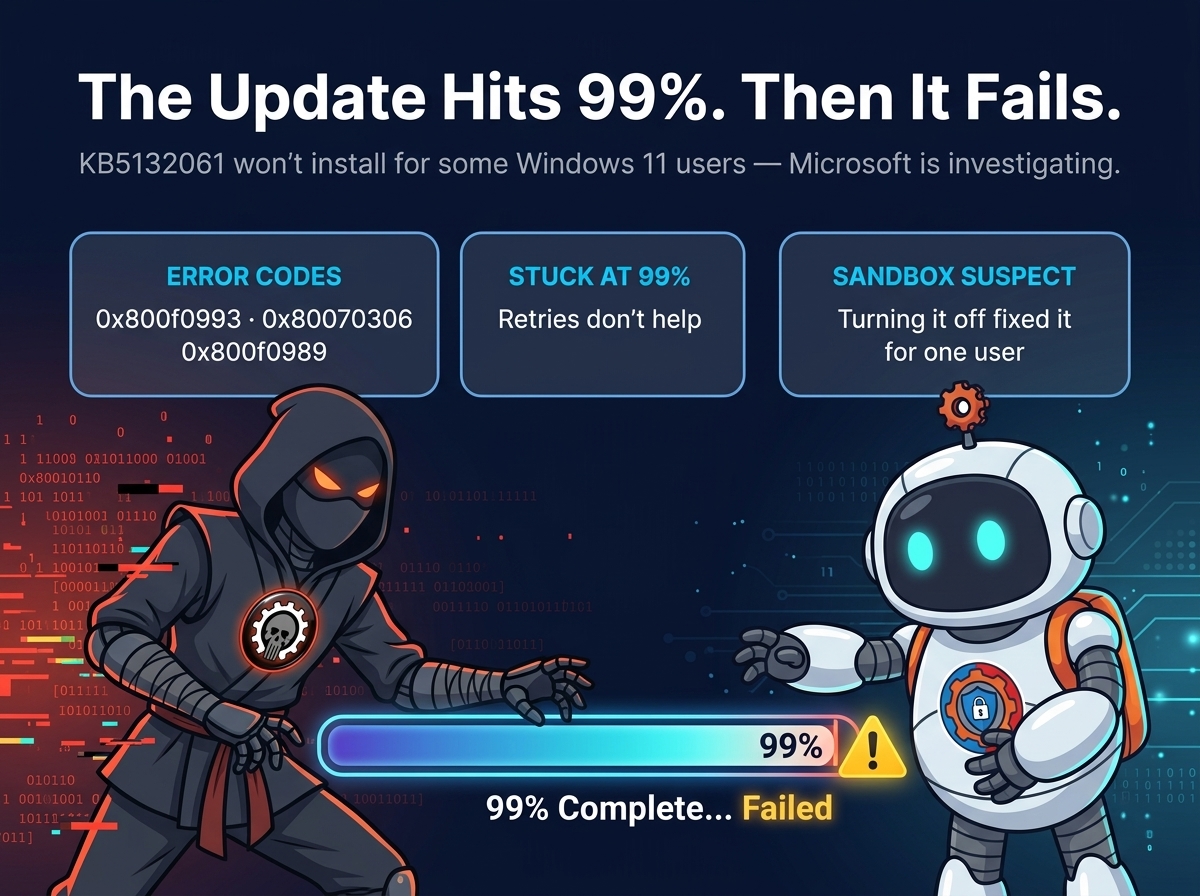
Microsoft is investigating reports that Windows 11’s November security update, KB5132061, fails to install for some users — stalling at 99% and throwing errors 0x800f0993, 0x80070306, and 0x800f0989. The update gets almost all the way there, then gives up, and retrying doesn’t help.
The update rolled out on November 10 as part of Patch Tuesday, and it’s a mandatory security update — close to 700 Windows-specific fixes, plus a customizable right-click menu and faster app launching. It bumps Windows 11 26H2 to build 26300.9974 and 25H2 to 26200.9974, and it can need two or more reboots because of a pending Secure Boot certificate update. For most people it installs in a few minutes. For some, it never finishes at all.
What users are seeing
Windows Latest tested the update and watched it reach 99% before failing — and no amount of retrying moved it forward. “I’m stuck in a loop of installing KB5132061, but it’s repeatedly throwing errors such as 0x800f0993, 0x80070306, and 0x800f0989,” one user told the site, and there are dozens of similar complaints.
The failures aren’t limited to one setup. One user saw it fail on four of their PCs with either 0x800f0989 or 0x80070306 — even after downloading the update manually and resetting the Windows Update components. Another hit 0x80070306 on two virtual machines. One person failed seven times, including once with the offline installer from the Microsoft Update Catalog, before it finally installed on another attempt. Reports of 0x800f0922 have surfaced too.
Not everyone is affected. Some users report the update installed without any errors, and others say it went through after a restart and another try. So far the scale is unclear — dozens of complaints, not a flood — which is why this is an investigation, not yet a confirmed widespread problem.

The Sandbox lead
Microsoft’s support document still says the company is “not currently aware of any issues with this update.” But Windows Latest reports Microsoft is fully aware of the complaints and is investigating the root cause — including the possibility that Windows Sandbox is responsible.
The lead came from a user’s install logs, which pointed to a file used by Sandbox. On that PC, the update failed while Sandbox was enabled and installed after it was turned off and the machine restarted. Windows Sandbox is the feature that runs apps in an isolated virtual machine so you can test untrusted programs safely — and some people may have it turned on without realizing it.
It’s a lead, not a verdict. At least one other user ran into the error without Sandbox enabled at all. Microsoft is still looking for the root cause, and until it confirms one, turning Sandbox off is a workaround worth trying — not a guaranteed fix.
What to try if KB5132061 won’t install
Turn off Windows Sandbox, then retry. Open the Start menu, search for “Turn Windows features on or off,” find Windows Sandbox in the list, uncheck it, and select OK. Restart your PC, then go back to Settings > Windows Update and try installing KB5132061 again.
Download the update manually. If the built-in updater keeps failing, grab the update from the Microsoft Update Catalog and install it yourself — though one user found even the offline installer failed, so this isn’t a sure thing either.
Use the recovery reinstall. Windows 11 has a “Fix problems using Windows Update” option under Settings > System > Recovery. It reinstalls your current version of Windows while keeping your apps, files, and settings — the heaviest option, but the one that sidesteps a broken update pipeline entirely.

For now, the practical advice is simple: if the update installs, you’re done — and if it doesn’t, don’t keep hammering the retry button. Try the Sandbox workaround, try the manual installer, and if neither works, wait for Microsoft’s fix rather than forcing the issue. A mandatory security update that can’t install is a problem Microsoft has to solve, and the company says it’s looking.
This is the rough edge of a Patch Tuesday that was otherwise a big one: the same update was part of a 1,235-flaw Patch Tuesday that included an actively exploited Outlook zero-day. It also brought the fix for the double browser launch that had users opening two copies of Firefox. Getting the security fixes matters — but only if the update can actually install.