
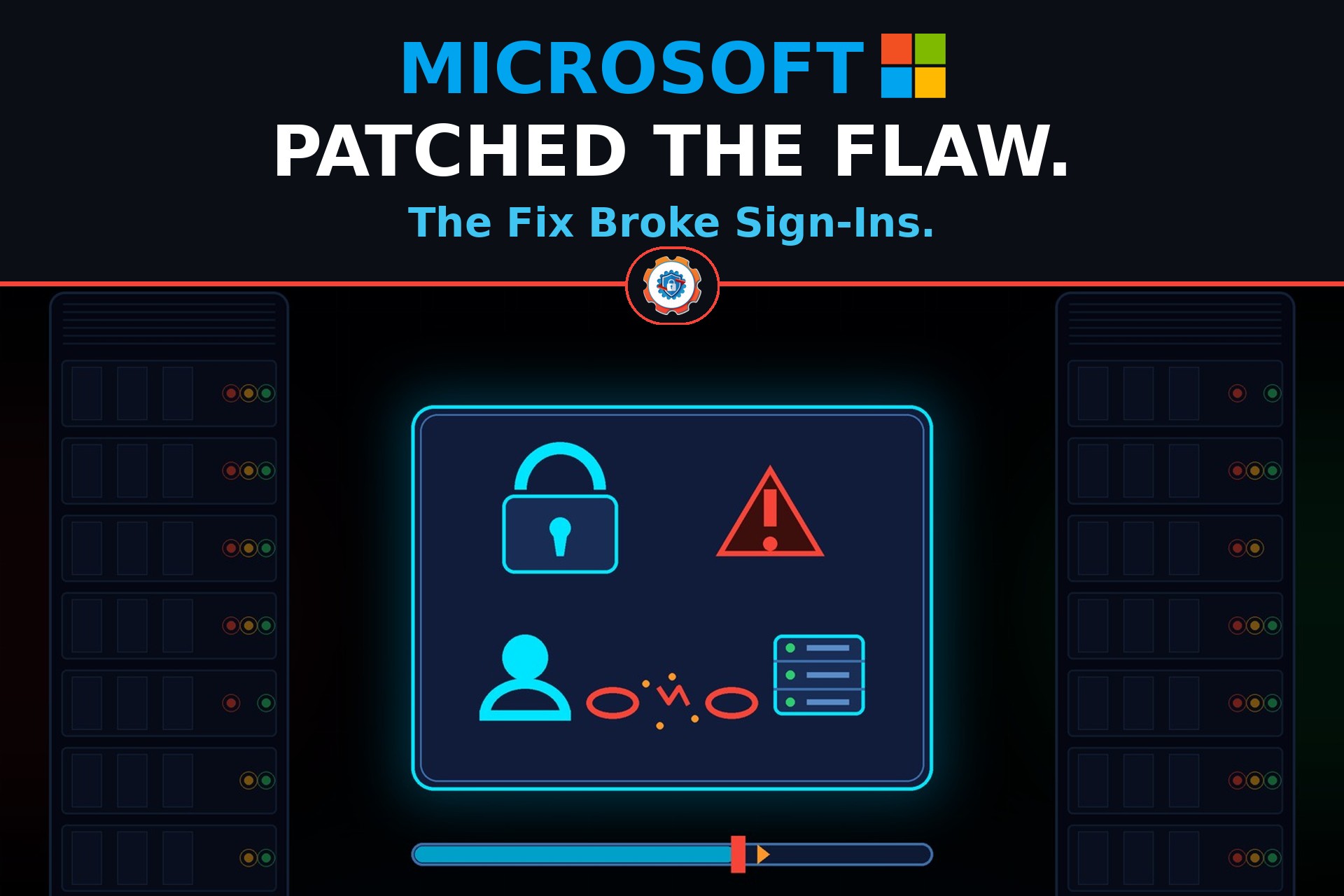












Microsoft Patched the Flaw. The Fix Broke Sign-Ins.
Microsoft’s November security updates closed a dangerous hole — and opened a new one. CVE-2026-118737, a high-severity remote code execution flaw in the Windows Remote Procedure Call Runtime, let unauthenticated attackers run code on a target machine remotely, without any user interaction, thanks to a timing-dependent weakness in how authentication was handled. Patching it was the right call. But Microsoft has now confirmed that the same updates can break sign-ins on patched machines, leaving some users locked out of the apps and services they need to do their jobs.
The November updates are the first phase of a long-planned hardening of NTLM, the Windows sign-in protocol. From now on, authenticated NTLM sessions always establish a cryptographic session key and negotiate real message signing. The goal is to cut off relay attacks, where an attacker intercepts an authentication exchange and replays it somewhere else to gain access. It is a meaningful security upgrade — and it is also the reason things are breaking.
Microsoft says it is aware of compatibility issues affecting third-party apps and devices that use NTLM, including authentication proxy servers, single sign-on (SSO) solutions, and application packaging solutions. The problem is not the update itself, but how some of those products implement the protocol. An affected device may set the NTLMSSP_NEGOTIATE_TARGET_INFO flag in its CHALLENGE_MESSAGE while sending an empty or incomplete TargetInfo field — essentially promising information it never delivers. Under the stricter signing rules, that handshake now fails, and the sign-in dies with it.

There is no fix yet. Microsoft is working on one, but for now affected organizations are caught between a rock and a hard place: roll back the update and stay exposed to an unauthenticated remote code execution flaw, or keep it and lose sign-ins for some users. The November updates are also causing Windows activation failures and SQL Server performance issues, and Microsoft is investigating reports of printing breaking on documents with complex formatting. November has been a rough month for patching — the month’s Patch Tuesday shipped 1,235 fixes, one of them already being exploited, and the fallout is still landing.
Why this one matters
The flaw itself is serious. Remote Procedure Call is a core Windows service, and a vulnerability that needs no credentials and no click from the victim is exactly the kind of weakness attackers scan for first. Leaving it unpatched is not a real option. But the breakage matters too, because NTLM still quietly underpins a huge amount of enterprise authentication — legacy applications, proxies, and SSO brokers that were built years ago and never re-tested against strict signing. Every hardening step that changes what a handshake must look like will expose products that were cutting corners, and this time the exposure is showing up as failed logins across real environments.
It is also a reminder of where Microsoft is steering sign-in. The company has been pushing modern authentication for years — Windows Hello, for instance, lets a PIN stand in for the password entirely — and the NTLM signing improvements are part of that same direction: legacy protocols get stricter, and the products that cannot keep up get left behind. The direction is right. The timing, for the teams now locked out, is painful.
What to check

1. Look for the fingerprints. In network traces, affected apps and devices answer with an NTLMSSP_CHALLENGE message whose “Target Info List” is empty. In event logs, look for Target Machine fields showing “Not Found” values. Either signature points at the broken device, not at the user or the password — so do not start resetting credentials before you check the trace.
2. Find your NTLM dependencies before the next patch cycle. Inventory which proxies, SSO solutions, and packaging tools in your environment still rely on NTLM, and check with each vendor whether their product complies with the new signing requirements. The devices breaking now are the ones that were never tested against strict signing, and the next phase of the hardening will only be stricter.
3. Use the registry workaround only as a stopgap. Microsoft’s temporary fix is to set the ClientAllowUnsignedNtlm REG_DWORD value to 1 under HKEY_LOCAL_MACHINE\SYSTEM\CurrentControlSet\Control\Lsa\MSV1_0 — the value used for clients that do not offer SIGN. It restores sign-ins, but Microsoft is explicit: this is a short-term solution and may be removed in a future update. If you set it, document it, tell the team, and put a date on removing it. A workaround with no expiry date becomes a permanent hole.
4. Move to the long-term fix. Update the affected product, switch the application to a compatible authentication configuration such as Kerberos, or contact the vendor and ask for an update that complies with the NTLM protocol requirements. In Microsoft’s own words, updating the affected product or using a compatible authentication configuration is the recommended long-term resolution. The registry key buys time; the vendor update or the move to Kerberos ends the problem.
Patching will keep hurting like this as long as legacy authentication lingers in the stack. The November updates fixed a flaw that needed fixing — but they also proved how much of the enterprise still depends on a protocol that was never built for the rules now being enforced. Patch, check the traces, and chase the vendors. The sign-ins will come back; the old shortcuts will not.