






Six Plugins Were Backdoored. WordPress Stopped Them Before They Went Live.
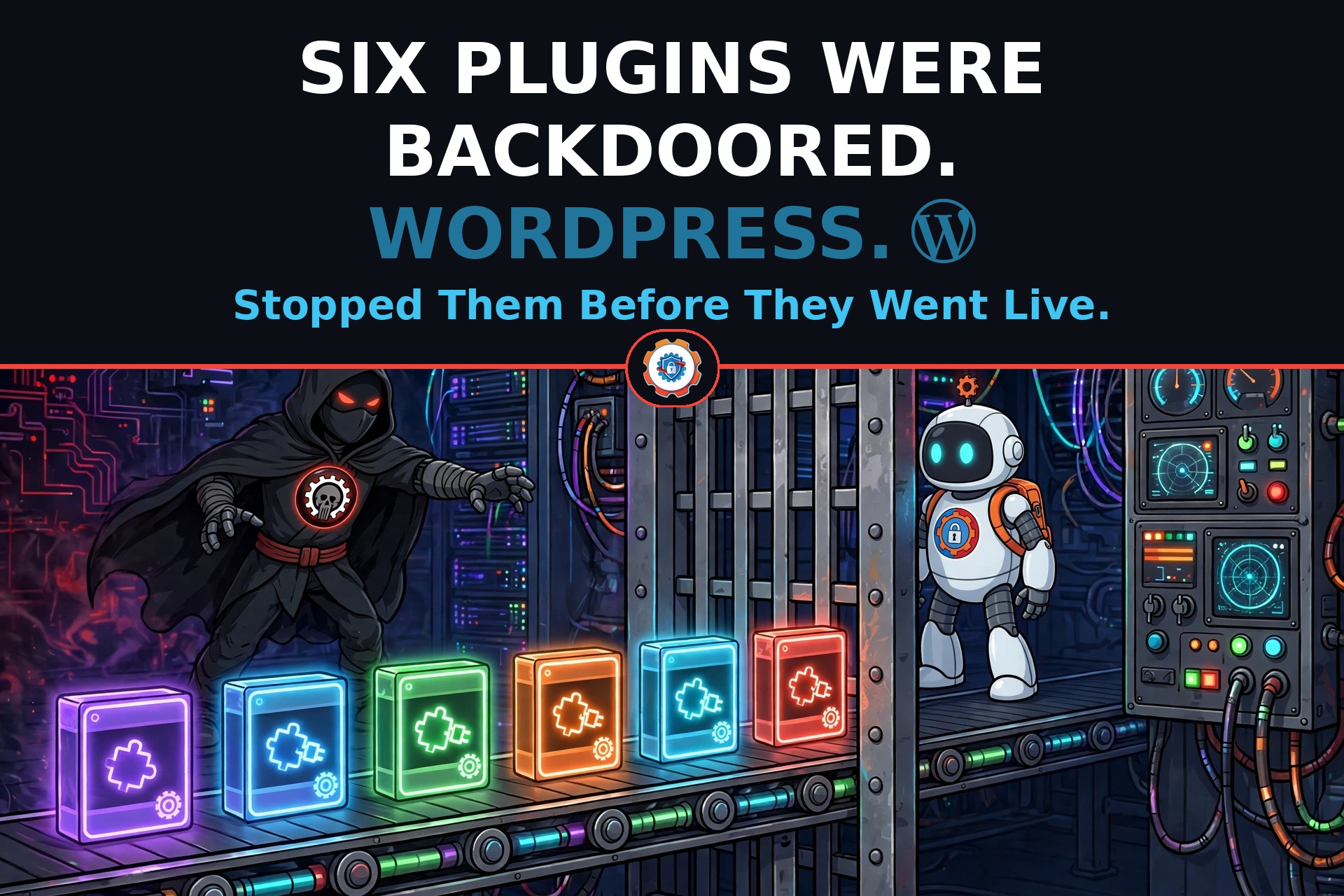
Six WordPress plugins were backdoored on November 22, 2026 — and the malicious updates never reached a single site. WordPress’s plugins team caught the tampering and blocked the releases before they went live, stopping an attack that could have handed intruders full control of thousands of websites. A clean save — and a warning: the next one may not be caught in time.
All six come from one developer, WP Connect, and sync WordPress sites with outside services — Airtable, Notion, Brevo, Gravity Forms, Contact Form 7, and WooCommerce. Together they have more than 3,600 installs. The poisoned versions are: Air WP Sync 2.9.1–2.9.4; WP Sync for Notion 1.7.4; Add-on Brevo for Gravity Forms 2.6.3; Add-On for Contact Form 7 to Airtable 2.5.4; Add-On for Contact Form 7 to Notion 1.6.4; and Orders Sync to Airtable for WooCommerce 1.0.2.
WordPress has closed all six listings permanently, each carrying the same notice: “This plugin has been closed as of November 22, 2026, and is not available for download. This closure is permanent.” The suspected cause: a compromise of the developer’s WordPress.org account. The incident is tracked as CVE-2026-135202, severity 9.8 out of 10.
A backdoor, not a bug
The key detail is what the code was not: not a coding mistake, and there is no patch for it. As Wordfence researcher Chloe Chamberland put it, the code was added deliberately and committed to each plugin’s WordPress.org repository. A vulnerability is an accident you can fix; a backdoor is a decision someone made on purpose.
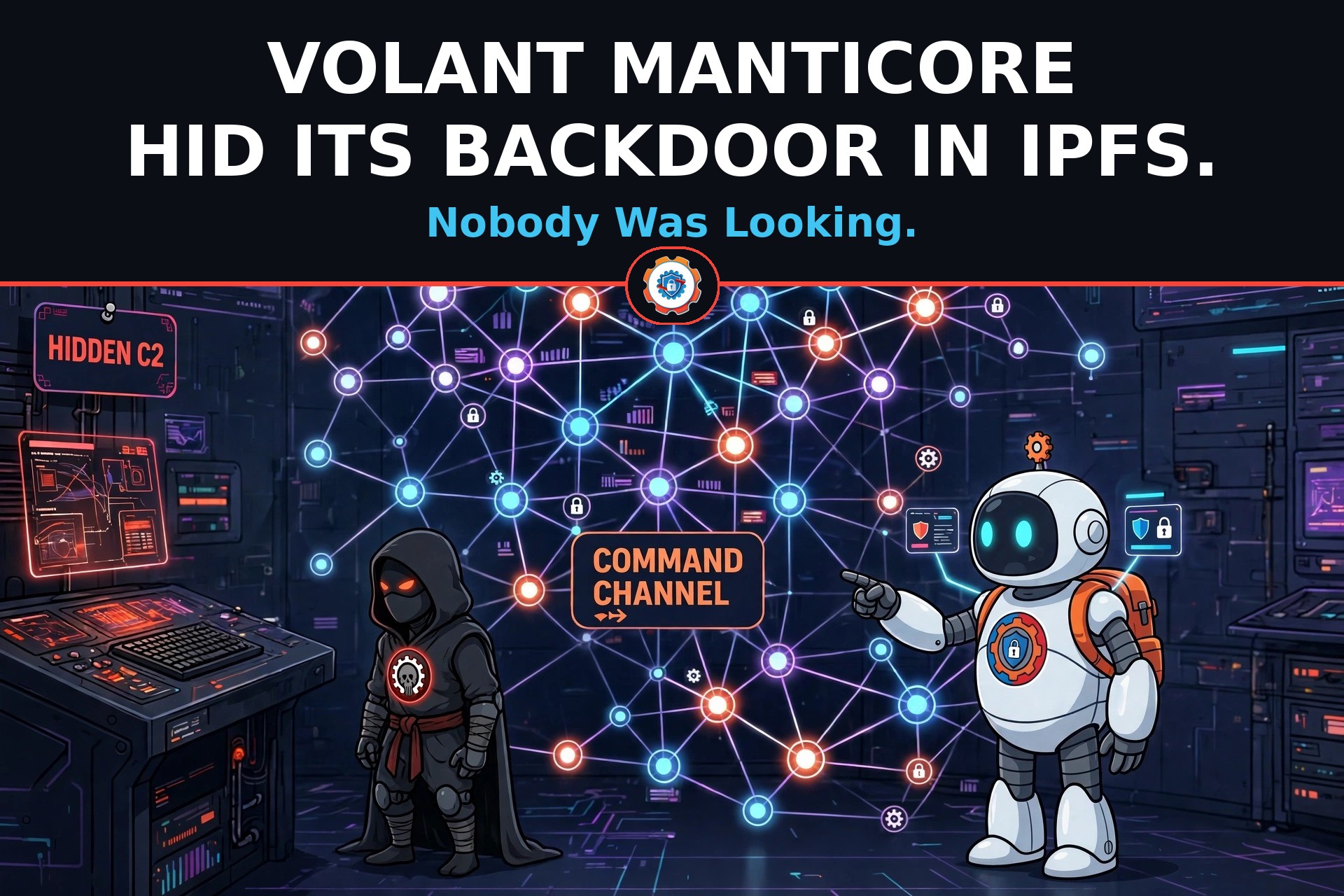
The backdoor lived in includes/airwp-online.php and ran on every request to an affected site. Each time it phoned home to a hard-coded server at tascredit-pay[.]com, sending the site’s URL, its PHP, WordPress, and operating system versions, and the server user account. The server could then send back PHP code, which the backdoor ran with eval() — a live remote control for the site.

What the backdoor could do
Once in place, it let an unauthenticated attacker take complete control: queued shell commands, reading, writing, or deleting any file, querying any database table, and dumping the entire users table — logins, email addresses, and password hashes included.
Worse, it could plant persistence: a webshell dropped into the uploads directory or any path the attacker chose, and an hourly WP-Cron hook running attacker-supplied code on a schedule. Webshells and scheduled hooks survive the plugin’s removal — delete it and feel safe, and the foothold is still there, running every hour.
Because WordPress blocked the releases, sites running these plugins are unlikely to be affected. But a plugin installed from another source, a manual update, or a cached copy could still carry the poisoned code — so check anyway.
Why this one was caught
The save came from new Protect The Shire defenses, including cooldown protections on plugin releases. Those checks gave the plugins team the window to catch the tampering and block the releases — the system working exactly as designed, and a reminder of how much of WordPress security now depends on the repository itself. The same week, URLscan.io found an unrelated WordPress site hit by thirteen ClickFix injections from three kits, five resolving next-stage infrastructure from Polygon smart contracts (EtherHiding).

What site owners must check now
Check your installed plugins against the six names and versions. If you run Air WP Sync, WP Sync for Notion, the Brevo add-on for Gravity Forms, either Contact Form 7 add-on, or the WooCommerce Orders Sync plugin, compare your version against the compromised list above. If you are running one, remove it right away — there is no clean update coming.
Look for the backdoor’s fingerprints. Search your site for includes/airwp-online.php and check server logs for any connection to tascredit-pay[.]com. Either one means the backdoor was active — the site needs a full incident review, not just a plugin deletion.
Hunt for persistence, not just the plugin. Check your WP-Cron schedule for hourly hooks you do not recognize, and the uploads folder for files you did not put there. A backdoor that can plant scheduled code and webshells does not leave when its plugin does. It is the same trust problem behind the suspicious file that exposed 7.7 million shoppers’ details: code installed in good faith can turn against you.
Rotate credentials if anything was exposed. If the backdoor ran on your site, assume the users table was read. Reset every account password, especially administrators, and treat emails and password hashes as compromised — hashes can be cracked offline, and the emails are ready-made phishing targets.
The save that should not be needed
WordPress deserves credit here. The cooldown protections did their job, the plugins team acted fast, and thousands of sites were spared an incident they would never have seen coming. But the save also exposes the fragility underneath: a single compromised developer account put a backdoor into six plugins at once, and the only thing standing between that backdoor and 3,600 sites was a check inside the repository.
Your site’s security does not end at your server — it extends to every developer account behind every plugin you install. Keep your plugin list short and reviewed, and treat any plugin whose listing closes as a reason to act the same day. This time WordPress stopped the update. Next time, the check on your side may be the only one that matters.