
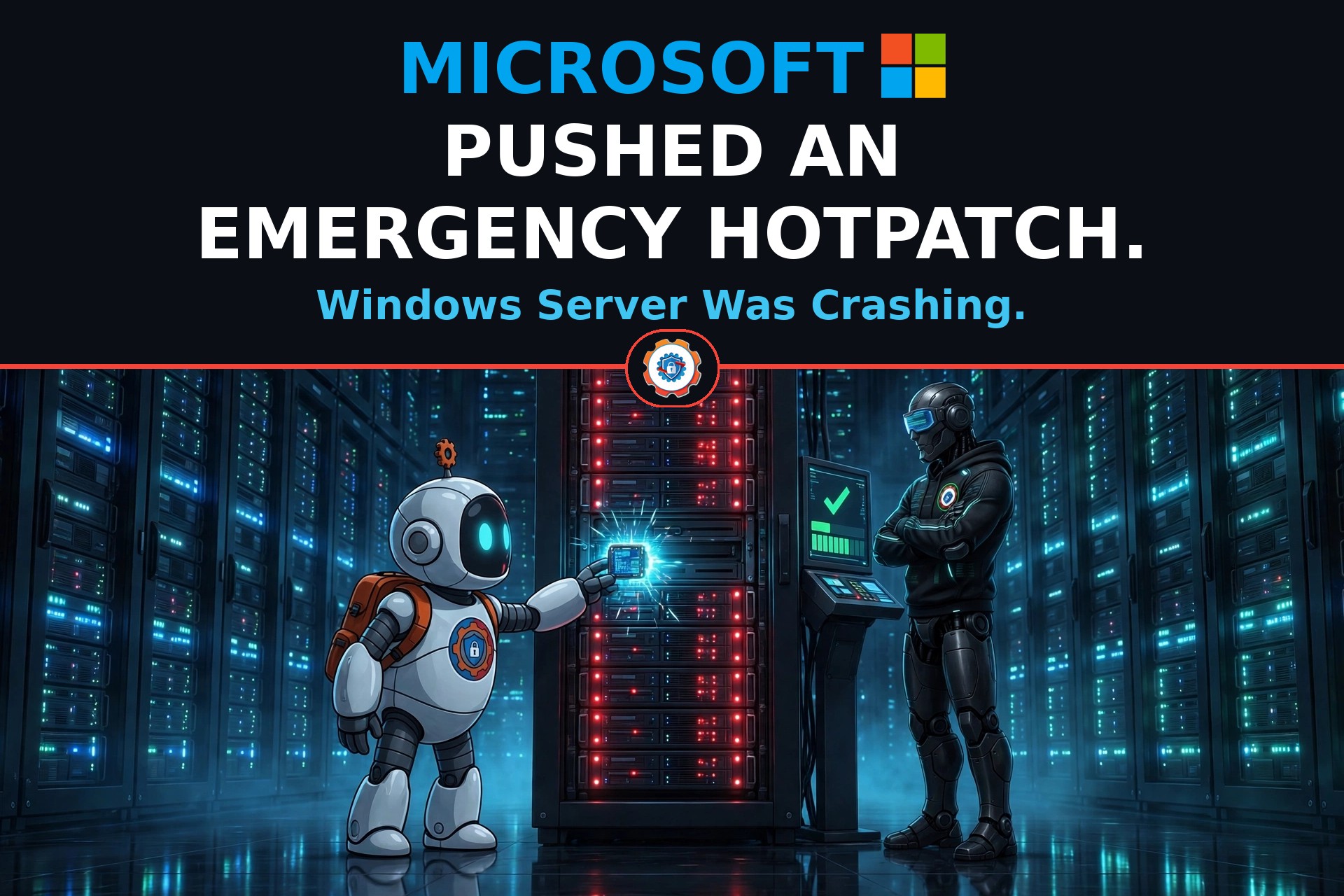







Microsoft Pushed an Emergency Hotpatch. Windows Server Was Crashing.
Some patches fix a problem. This one fixes a problem the last patch caused — and it had to arrive in a hurry.
Microsoft released an emergency out-of-band hotpatch, KB5138318, on November 25, 2026, to fix stop error 0x139 (KERNEL_SECURITY_CHECK_FAILURE) crashes on some Windows Server 2025 devices. The crashes started after those machines installed the November 2026 security hotpatch, KB5131077. A limited number of devices are affected, but on a server, “limited” is cold comfort: a crash is a crash, and a server that reboots itself in the middle of the workday is one nobody can rely on.
The trigger is narrow, which is part of why it slipped through. The crash hits devices with Router Advertisement (RA) enabled that receive time-bound IPv6 routes — and it strikes when one of those route timers expires. Put plainly: the server is told about a network route with an expiry time, and when that clock runs out, the system trips over its own security check and falls over. If your servers don’t use RA or time-bound IPv6 routes, this one isn’t yours. If they do, it very much is.

A fix that doesn’t ask for a reboot
KB5138318 is a non-security update, and it behaves the way hotpatching is supposed to behave. It rolls out through Windows Update to Windows Server 2025 devices enrolled in hotpatching, downloads and installs automatically, and takes effect without a restart. That last detail matters more than it sounds: the whole point of hotpatching is patching a running server without taking it down, and an emergency fix that demanded a reboot would have forced admins to schedule the very downtime the crash was already causing.

The speed of the turnaround is worth noting too. The November security hotpatch landed, the crashes were reported, and within days Microsoft shipped a targeted fix for the exact failure — a stop error with a known trigger and a known population. The uncomfortable part is that the loop had to run at all: a security update that takes servers down is the kind of thing that makes admins hesitate before installing the next one.
The November hotpatch’s other headaches
The Server 2025 crashes aren’t the only trouble the November hotpatch is causing. On Windows 11, the same update is behind installation and launch issues affecting Office and third-party apps, plus printing problems on systems running Forcepoint’s DLP Endpoint Agent. None of those are server crashes, but together they paint a picture admins will recognize: one month’s update, several different symptoms, on several different kinds of machine.
That pattern is becoming familiar. The November update broke apps for some users, and the fix was a registry key — and another November fix broke sign-ins. Each incident on its own is manageable. Stacked together, they are a reminder that update week is never really over when the patch installs — it’s over when the fleet has had a few quiet days afterward.
Hotpatching, briefly
Hotpatching is Microsoft’s way of patching Windows without rebooting: the fix is applied to the running system, in memory, while services keep going. The technology arrived with Windows Autopatch, which entered public preview in early June 2022 and reached general availability in July 2022. After the May 2026 security updates, Microsoft turned hotpatching on by default for eligible devices managed through the Graph API or Intune — a vote of confidence in the mechanism, and a big reason so many machines now receive these updates automatically. That confidence has been tested before: in June 2026, Microsoft fixed an Autopatch bug that sent admin-restricted driver updates to some devices in the EU — updates administrators had explicitly held back.
Four checks for admins
1. Verify hotpatch enrollment. KB5138318 reaches Server 2025 devices enrolled in hotpatching through Windows Update. Confirm the affected servers are actually enrolled — an unenrolled server won’t see the fix, and a server you assumed was enrolled is the one that keeps crashing.
2. Check your Router Advertisement and IPv6 route configuration. The crash needs RA enabled plus time-bound IPv6 routes. Audit which servers match that profile: those are the machines at risk, and they’re the ones to watch first after the fix lands.
3. Confirm the fix landed — no restart required. The hotpatch installs automatically and takes effect without a reboot, so don’t wait for a maintenance window. Do verify it actually arrived, though: check that KB5138318 is installed and that the 0x139 crashes stop. “No restart needed” is not the same as “no verification needed.”
4. Watch the Windows 11 side of the fleet. The same November hotpatch is causing app launch issues and printing problems on Windows 11, including on systems running Forcepoint’s DLP Endpoint Agent. If your users are reporting Office or third-party apps that won’t start, or printers that stopped cooperating, check whether the November update is the common thread before you start reinstalling things.
The bottom line
A security update that crashes servers is a bad look for a patching system whose entire promise is keeping servers up. Microsoft’s response — a targeted hotpatch, days later, no reboot required — is the right shape of answer. But the lesson for admins is the one November keeps teaching: install the update, then watch the fleet. The patch is only half the job; the quiet days after it are the other half.