







Drupal Fixed the Installer. The Sites Are Still Being Taken Over.
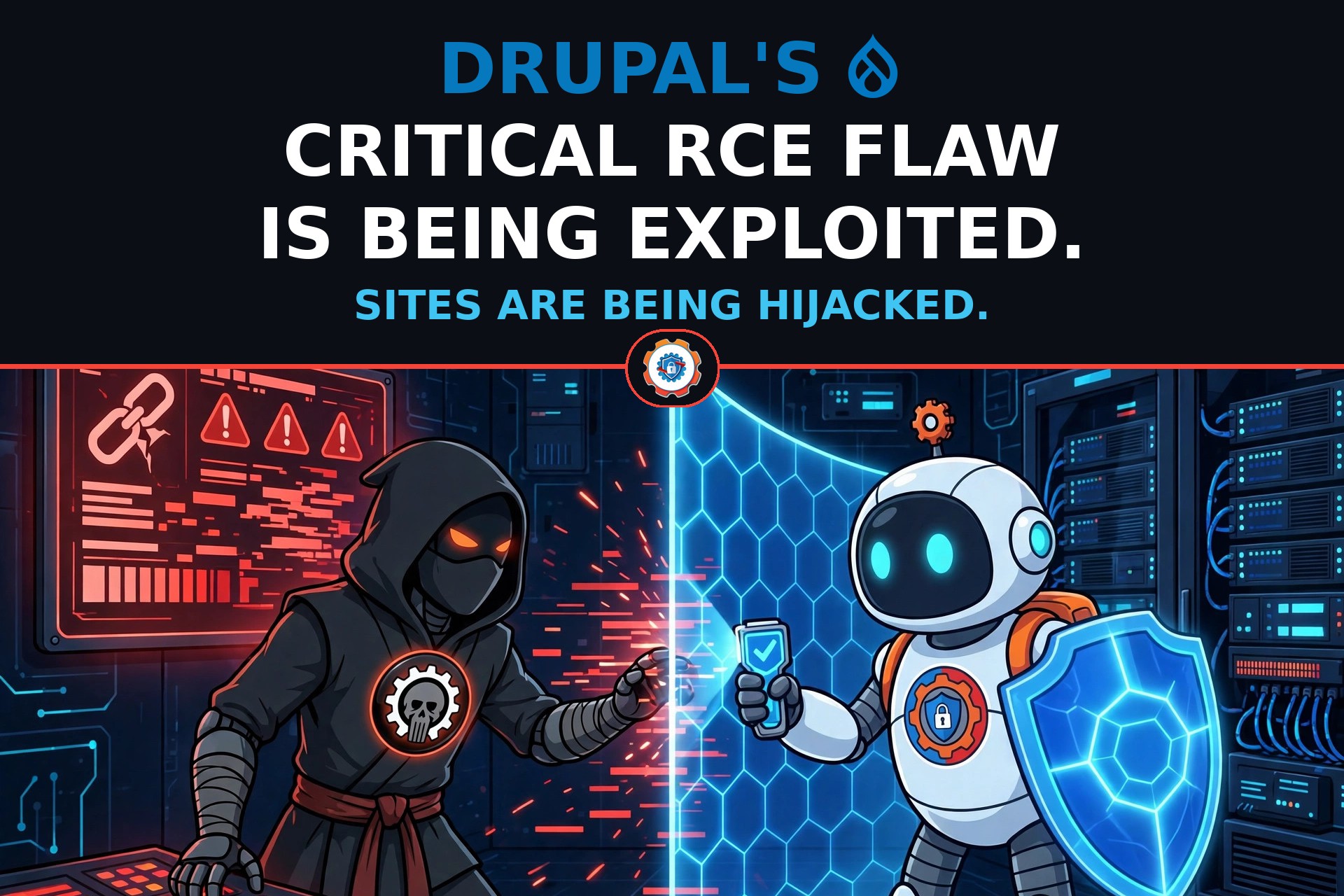
Drupal patched the installer — then found the patch had not finished the job. A new, highly critical flaw, CVE-2026-136716, is being exploited in the wild, targeting the very sites the first fix was supposed to protect.
This is not a new attack from a new direction. It is the same door, still open — and if you already applied the Fail2Install fix, do not assume you are safe. That assumption is exactly what this flaw punishes.
A fix that left gaps behind
It starts with the Fail2Install flaw, CVE-2026-132165, a critical weakness in the Drupal core installer that attackers were already using to take over sites. Drupal fixed it — but only the installer flaws it knew about, not every state a site could be left in.
CVE-2026-136716 addresses the remaining vulnerable installation states: sites in unusual or incomplete install states that can still be abused for full site takeover — including production sites, live websites with the installer still reachable.
The flaw is described as improper checking for unusual or exceptional conditions. In plain terms: the installer did not handle the odd cases, and attackers found them. No CVSS score has been assigned yet — but Drupal rated it highly critical, and exploitation is already happening.
The worst part: you cannot see it
Nothing in the interface tells you whether your site is in the affected state — no warning banner, no red flag in the dashboard.
Worse, a site that has already been compromised may no longer be in the vulnerable state. The attacker gets in, takes what they need, and the evidence of the open door can vanish behind them. Looking vulnerable right now is not the same as having been attacked.
So Drupal’s guidance is not “check if you are affected and relax.” It is: assume you might have been, and go look.
How big is the exposure?
The numbers are sobering. StepSecurity counts roughly 55,800 internet-facing Drupal sites as of November 26, 2026. About 31,500 services run branches vulnerable to the original Fail2Install flaw — the same population this follow-up draws from. And around 15,000 sites are still on end-of-life Drupal 8 and 9, which will never see a fix for either flaw.

Four leftover install states, one outcome: whoever controls user 1 controls the site.
Who is affected, and what fixes it
The fix is available in Drupal 11.4.14, 11.3.23, and 10.6.23. Update to the patched release for your branch, then run update.php — that step repairs production sites already sitting in the vulnerable state. Updating alone is not enough; the script is what cleans up the state.
There is no fix for Drupal 11.0.x–11.2.x or 10.5.x and below — those branches are end-of-life, so the only safe move is to upgrade. Staying put means staying exposed to an actively exploited flaw.
One group is explicitly not impacted: site owners who already secured the installer — the install.php file — are not affected. If your installer was locked down after the Fail2Install fix, this one passes you by.
The pattern is one we keep seeing: a single flaw rarely travels alone, as attackers chain weaknesses together until the chain ends in full control — the same shape as GeoServer’s two exploited flaws, which ended in unauthenticated remote code execution.
What to check right now
Drupal’s own guidance gives site owners four concrete checks. Do them in this order, and do them today.
1. Update, then run update.php. Move to 11.4.14, 11.3.23, or 10.6.23 for your branch, then run the database update script. The update patches the flaw; update.php fixes the state on sites already in it. Skip the second step and the door stays open.
2. Read your logs for unauthorized access. Look specifically for unexpected changes to — or by — the user 1 account. User 1 is Drupal’s super-admin, with full control over the site. Any change you did not make, any login you do not recognize — treat it as evidence of compromise until proven otherwise.
3. Confirm the user 1 email address is under your control. An attacker who takes user 1 often changes the email address first, because that is how password resets flow. If the address on the account is not one you control, the account is not yours anymore.
4. Reset user 1’s password — and secure the installer on every site you run. If there is any doubt, treat the password as compromised and reset it. Then lock down install.php everywhere — the installer should not be remotely accessible once a site is built. That single habit separates the sites this flaw cannot touch from the sites it can.

The fix closed one flaw. The checks are what close the door.
The takeaway
Drupal did the right thing twice: it fixed Fail2Install, and when it found the fix incomplete, it said so and shipped a second patch. But a patch only protects the sites that install it — and a flaw with no visible warning only gets found by admins who go looking.
If your site was ever in an unusual or incomplete install state, or if your installer was left reachable after the first fix, do not wait for a sign — the signs may already be gone. Update, run update.php, check the logs, verify user 1, and lock the installer down. That is the whole job, and it is a short one, as long as it happens before someone else does it for you.