
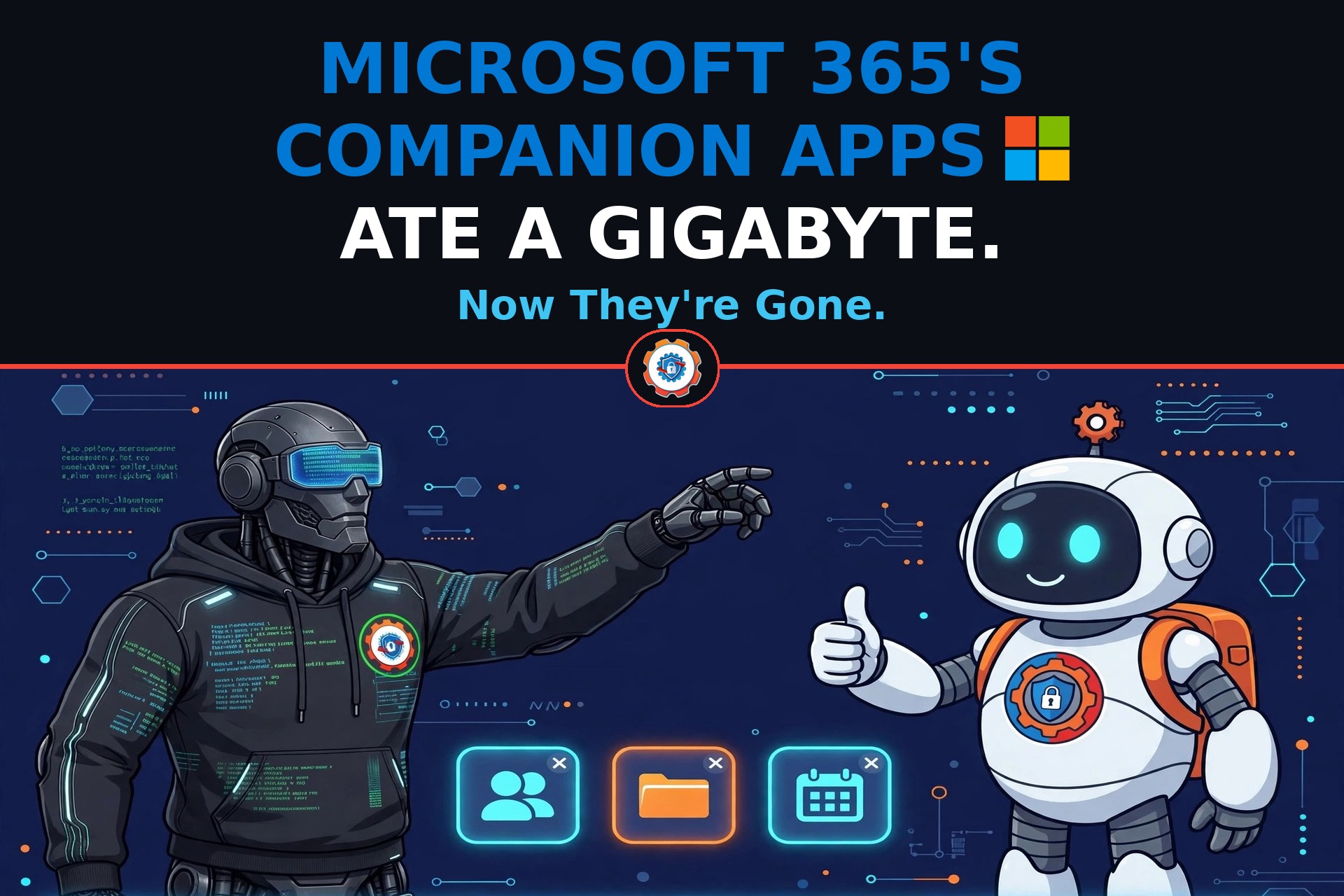










Microsoft 365’s Companion Apps Ate a Gigabyte. Now They’re Gone.
Microsoft is pulling the plug on its own apps — and the reason is the one every Windows user already suspected. The Microsoft 365 companion apps, three little Copilot-focused helpers that Microsoft force-installed on work PCs and pinned to the taskbar, are being retired in December. They stop working on December 16, 2026, and Microsoft says users have to remove them. Microsoft’s explanation, given at an Ignite 2026 Q&A, was blunt even by its standards: “They were a source of a lot of memory and issues. So while they provided some functionality, they came at a very high cost.”
A year ago, these apps were the future. Announced in 2025 as “Microsoft 365 companions,” People, Files and Calendar were pitched as a “personal productivity pit crew” — three mini apps on the taskbar, a tap away from the people, files and dates that matter at work. They rolled out gradually to Microsoft 365 subscribers, and on Microsoft 365 Enterprise and Business PCs they were force-installed and pinned to the taskbar. The rollout was slow, though, and it never reached most PCs. Most people weren’t even aware the apps were installed.
An app can be force-installed on your computer and still be invisible to you. That is the first problem. The second is the bill. Windows Latest’s tests found the WebView2-based apps could use over 1GB of RAM. Microsoft gave no RAM figure of its own and did not say which “issues” it meant, but it has previously said apps like Microsoft 365, Defender and OneDrive were using nearly 900MB more RAM than required. The companions were not light little helpers. They were heavy.
What the three apps actually did
Each companion had one job, in a small window off the taskbar. People kept your organization’s contacts a click away, let you message someone by email or Teams, and carried a Copilot button. Files let you search your organization’s files, find files shared by a contact, preview a file before sharing it, and — with a Copilot license — ask Copilot to analyze it. Calendar put your Outlook calendar on the taskbar, with Copilot integration listed as coming soon.
None of that was a bad idea. The problem was the price: three separate WebView2 apps, each carrying a browser engine inside it, sitting on a work machine and eating memory. It is the same tension Microsoft has been wrestling with elsewhere. PowerToys went native, dropping its web wrappers for exactly the opposite approach — less browser-engine weight, not more. The companions went the other way, and now they are paying for it.

Why this matters more than three small apps
Three taskbar helpers disappearing is not, by itself, a big event. What matters is the pattern. Microsoft shipped these apps to work PCs without asking, pinned them to the taskbar without asking, and then — barely a year later — decided the cost was too high and told users to remove them. The decision was made in September 2026, and confirmed publicly at Ignite.
That is a trust story as much as a memory story. When a vendor force-installs software on a managed fleet, IT teams and users assume someone measured the cost. Here, the vendor itself is now saying the cost was “very high” — in memory and in issues it never specified. And the fix is not a patch or an update. It is a removal. Microsoft’s own support document says removing them “doesn’t delete or affect any existing capabilities or Microsoft 365 data. You can continue finding the same information by using existing Microsoft 365 and Windows experiences.”
“Free” and “included” are not the same as “cheap.” A mini app that costs a gigabyte of RAM is not mini. On a work laptop with 8GB of memory — still common across fleets — that is an eighth of the machine, spent on helpers most people never noticed. The latest Windows 11 release keeps pushing the platform forward, but every new resident on the taskbar is a tax on the same memory, and this time Microsoft itself called the tax too high.
What to check before December 16
1. Look at your taskbar. Check whether People, Files or Calendar are pinned there. If they are, uninstall all three before December 16, when they stop working. They will not remove themselves — Microsoft says users must remove them.
2. Check Task Manager. Open Task Manager, sort by memory, and look at what the companion apps and their WebView2 processes are using. If the numbers are big, you have just seen the “very high cost” Microsoft was talking about.
3. Go back to the originals. You lose nothing by removing them. Your calendar lives in Outlook, your people in Teams and email, your files in File Explorer and the Microsoft 365 apps you already use. Same information, same data, through the experiences you already have.
4. If you never saw them, check anyway. Most people weren’t even aware the apps were installed, and the rollout never reached most PCs. A quick glance at the taskbar and the installed-apps list settles it in a minute. If they are not there, there is nothing to remove and nothing to miss.

A year from announcement to switch-off. They arrived uninvited, ate a gigabyte, and left. The lesson for the rest of us is simple. Check the taskbar, check Task Manager, and remove what you never asked for before December 16 does it for you.