




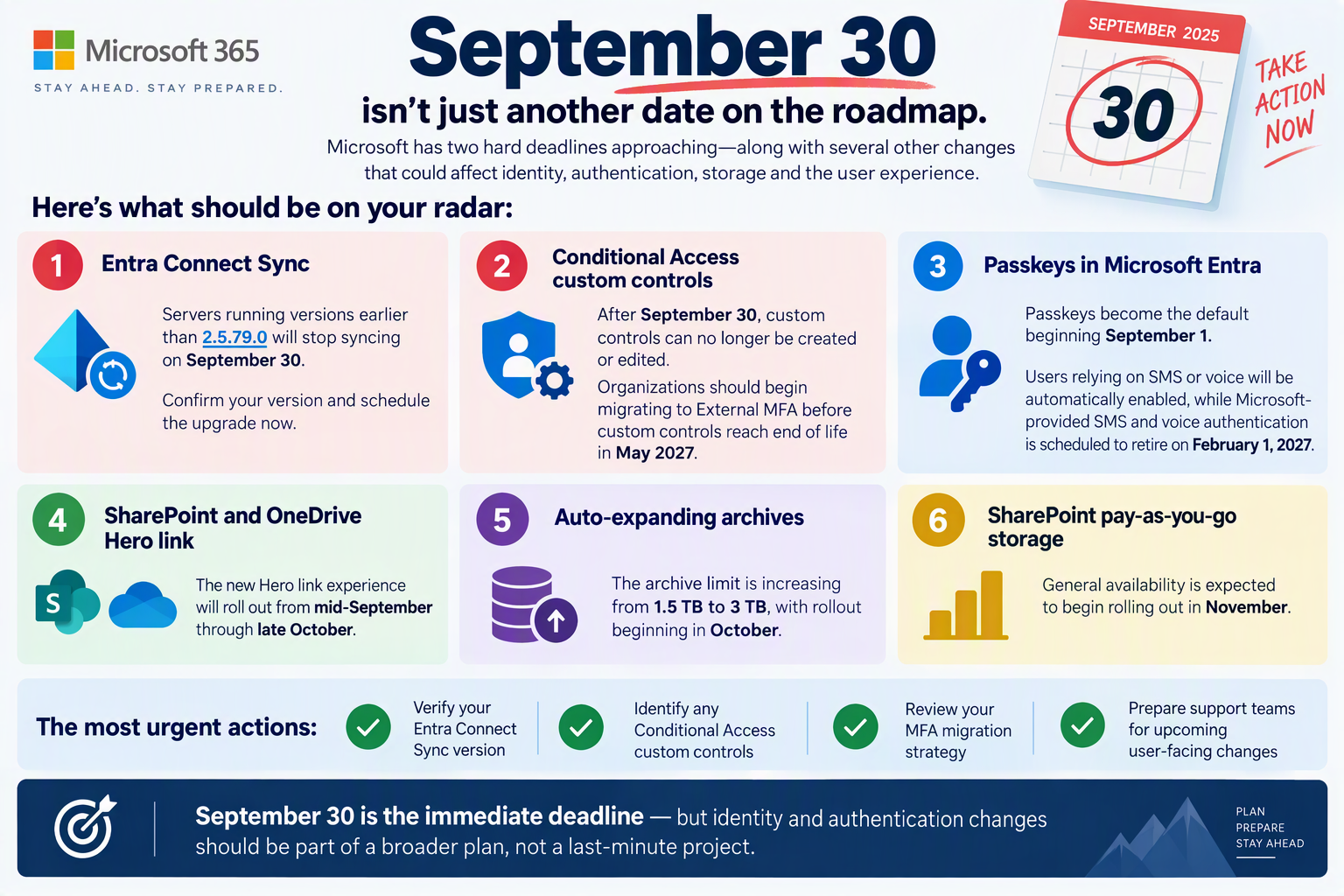



Microsoft Entra Removes the First MFA Barrier: Passwordless Can Now Be the Starting Point
Microsoft is making a significant change to the authentication registration experience in Microsoft Entra. Soon, users will be able to register phishing-resistant authentication methods as their very first MFA method, eliminating the previous requirement to first enroll weaker methods such as SMS or voice authentication.
This update represents another important step toward a passwordless future and provides organizations with a simpler path to stronger security from day one.
What’s Changing?
Historically, users were often required to register a traditional MFA method, such as SMS or voice verification, before they could enroll more secure authentication methods.
With the upcoming change, users can register passwordless and phishing-resistant methods as their initial authentication method during onboarding.
Supported methods include:
- Synced Passkeys
- Microsoft Entra Passkeys on Windows
- FIDO2 Security Keys
- Windows Hello for Business
- macOS Platform SSO
- Microsoft Authenticator Passkeys
- Microsoft Authenticator Passwordless Sign-in
By removing enrollment dependencies on weaker methods, Microsoft is simplifying the path to stronger identity protection.
Why This Matters
Reduced Onboarding Friction
Every additional registration step creates friction for users. Simplifying the registration process helps improve adoption rates while reducing confusion during onboarding.
Better Security Habits
When users are initially directed toward SMS or voice authentication, organizations can unintentionally reinforce reliance on lower-assurance methods.
Starting with phishing-resistant authentication encourages stronger security behaviors from the beginning.
Stronger Protection Against Modern Attacks
Credential theft and phishing attacks remain among the most common attack vectors targeting organizations today. Passkeys and other passwordless technologies provide significantly stronger protections by removing reliance on passwords and codes that can be intercepted or stolen.
What Identity Teams Should Review
Although no administrative action is required, identity and security teams should review their existing processes before the rollout.
Review Conditional Access Policies
Ensure authentication requirements align with your organization’s passwordless strategy.
Validate Authentication Method Policies
Confirm that the desired passwordless and passkey methods are enabled and properly configured.
Review Security Information Registration Settings
Understand how users are guided through registration and verify the experience supports organizational security objectives.
Update Onboarding Documentation
Existing MFA enrollment instructions may need to be updated to reflect the new registration flow.
Prepare User Communications
Consider informing users about passkeys and passwordless authentication prior to rollout to improve adoption and reduce support requests.
Rollout Timeline
Phase 1
October – November 2026
Phase 2
January – February 2027
Organizations should use this period to review and optimize their authentication registration experience.
The Bigger Takeaway
For years, phishing-resistant authentication has often been treated as an upgrade path. Users start with traditional authentication methods and are later encouraged to move toward stronger options.
Microsoft’s latest change helps reverse that mindset.
The future of identity security isn’t about eventually reaching passwordless authentication.
It’s about starting there.
Organizations that embrace passkeys, FIDO2 security keys, Windows Hello for Business, and other phishing-resistant technologies can reduce risk while delivering a simpler user experience at the same time.
As authentication continues to evolve, the strongest authentication method should no longer be the destination.
It should be the default.